
Planes and Geometric Shapes Demo
Loading the math board and drawing, please wait…
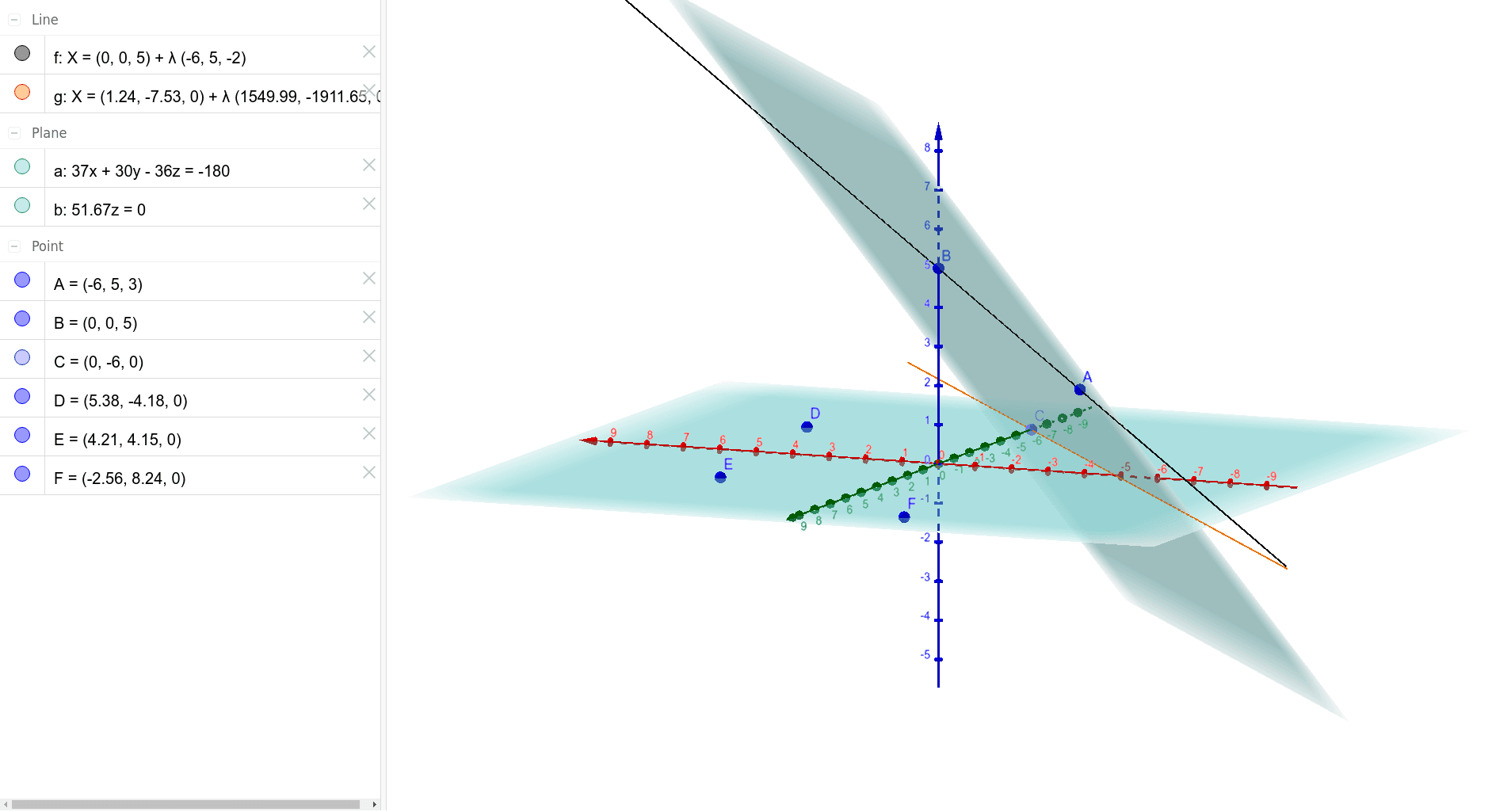
This example demonstrates constructing planes in 3D space and their interactions with geometric figures like points and lines. Core math concepts include solid geometry, point-line-plane relationships, and geometric construction. It uses commands such as Line, Point, Plane, and IntersectPath in GeoGebra. Suitable for high school and above students learning spatial geometry, vectors, and transformations.
GeoGebra Commands & Parameters
Line(B, A) → fPoint(yAxis) → CPlane(A, B, C) → aPlane(D, E, F) → bIntersectPath(a, b) → g
AI Drawing Prompt Reference
In 3D space, draw a line determined by two given points. Then pick a point on the vertical axis, and use this point together with the two points on the line to define a plane. Next, select three other points to form a second plane. Finally, draw the intersection line where these two planes meet, and highlight this line. The figure illustrates spatial relationships among points, lines, and planes, including line-plane intersection and plane-plane intersection.
The prompt above was compiled from the original drawing commands and is for reference only.