
Piecewise Functions Visualization: Using Rotated Text Annotations to Explain Seg
Loading the math board and drawing, please wait…
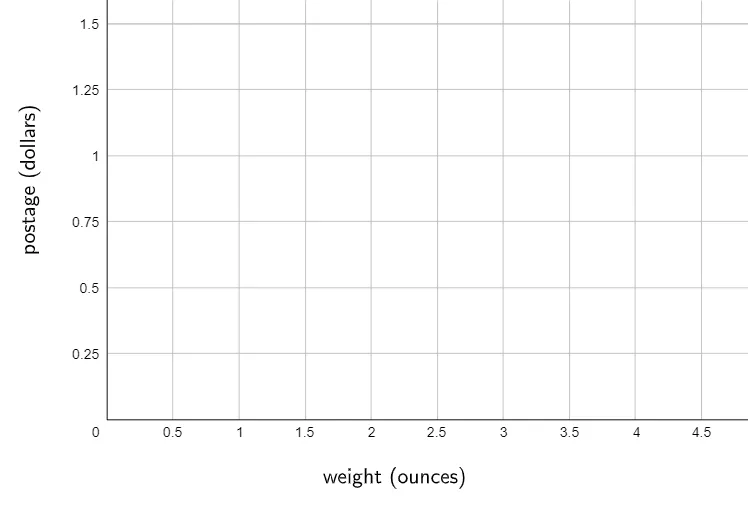
This GeoGebra example demonstrates how to present and interpret piecewise functions within a single diagram, making it easier to understand how different formulas apply on different intervals and how the resulting graph changes across those segments. The central math ideas are piecewise functions, interval conditions, and the mapping between “case conditions → expressions → graph behavior.” The construction focuses on improving diagram clarity by using the GeoGebra command RotateText applied to text objects (text1 and text2), rotating labels to place key explanations at appropriate positions and orientations near the graph. It is suitable for middle-school/high-school learners studying function graphs and for classroom use in teaching segmented modeling and interpretation.
GeoGebra Commands & Parameters
RotateText("postage (dollars)", 90°) → text2
AI Drawing Prompt Reference
Draw a piecewise function with two segments: the first segment where the function value is x when x is less than or equal to 2, and the second segment where the function value is x-1 when x is greater than 2. Label these segments on the graph and use rotated text to annotate: the first annotation below the x-axis explaining the function value is x when x is less than or equal to 2; the second annotation above the x-axis explaining the function value is x-1 when x is greater than 2.
The prompt above was compiled from the original drawing commands and is for reference only.