
Phasor Addition Interactive: Create Your Own Problem and Verify
Loading the math board and drawing, please wait…
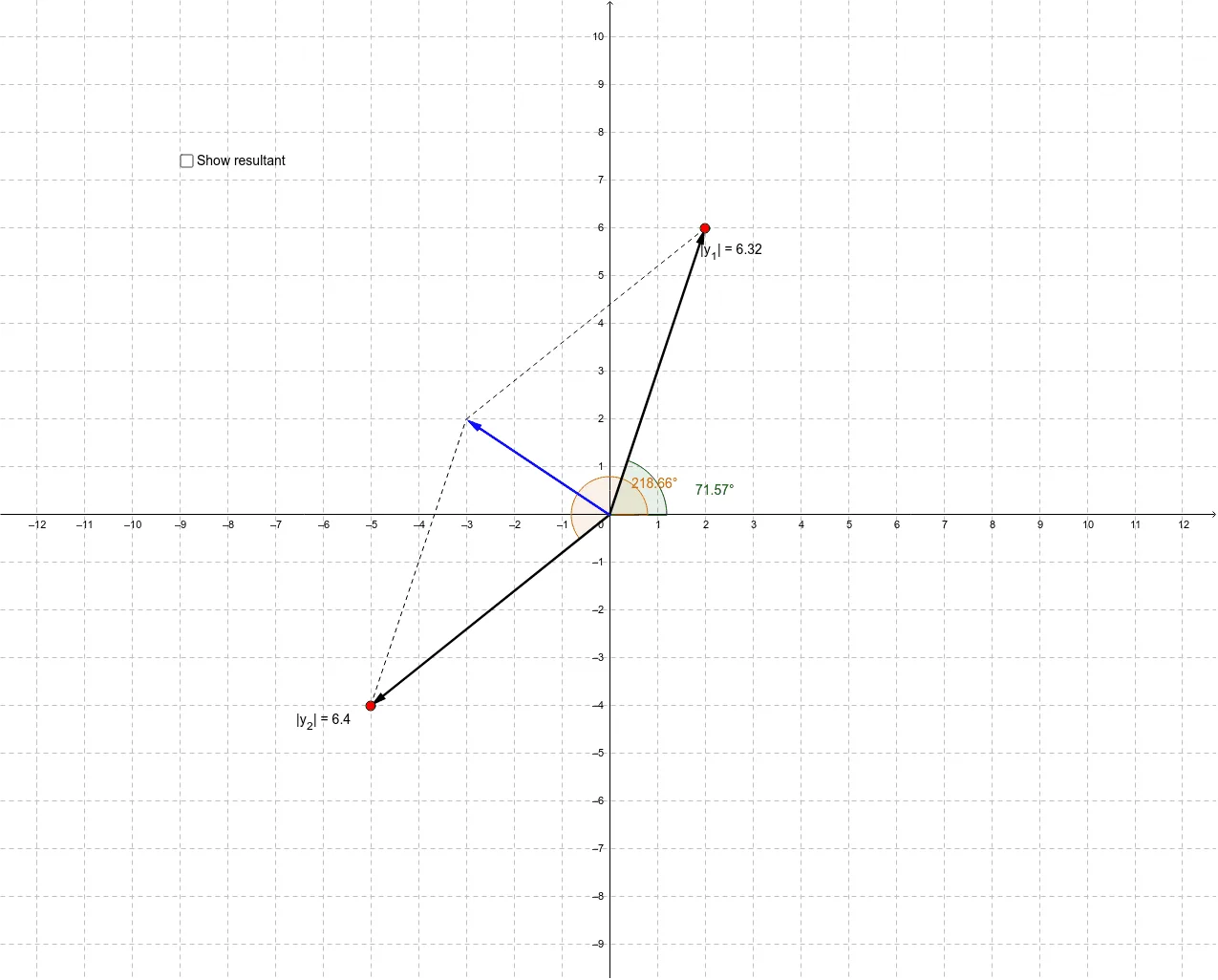
① This GeoGebra applet demonstrates the addition of phasors (vectors representing sinusoidal quantities) in an interactive way, allowing users to generate their own phasor addition problems and check their answers. ② The core mathematical concepts include vector addition, vector decomposition, magnitude and phase angle, and the use of trigonometric identities in combining vectors. ③ The construction uses GeoGebra commands such as Intersect, Vector, Length, Angle, Point, and Segment, with objects like vectors u, v, w, points A, B, C, and parameters α, β, γ, a, b, c to control the phasors, while text objects display the results for verification. ④ This applet is suitable for high school physics or university-level circuit courses studying AC circuits, wave superposition, or vector operations, as well as for mathematics classes focusing on visual vector addition.
GeoGebra Commands & Parameters
Intersect(xAxis, yAxis) → BVector(B, A) → uLength(u) → aAngle(u) → αVector(B, C) → vAngle(v) → βPoint(w) → DSegment(C, D) → bSegment(A, D) → cLength(w) → dAngle(w) → γ
AI Drawing Prompt Reference
Create an interactive demonstration of vector addition, showing the process of adding two vectors. First, draw a vector starting from the origin with a specified length and angle, then draw a second vector with its own length and angle. Next, draw a line segment from the endpoint of the first vector to the point of intersection of the two vectors, labeling its length and angle. Finally, display the lengths and angles of all vectors and the segment to verify the result of vector addition.
The prompt above was compiled from the original drawing commands and is for reference only.