
Perpendicular Line through a Point on a Given Line
Loading the math board and drawing, please wait…
In collections
Compass constructions
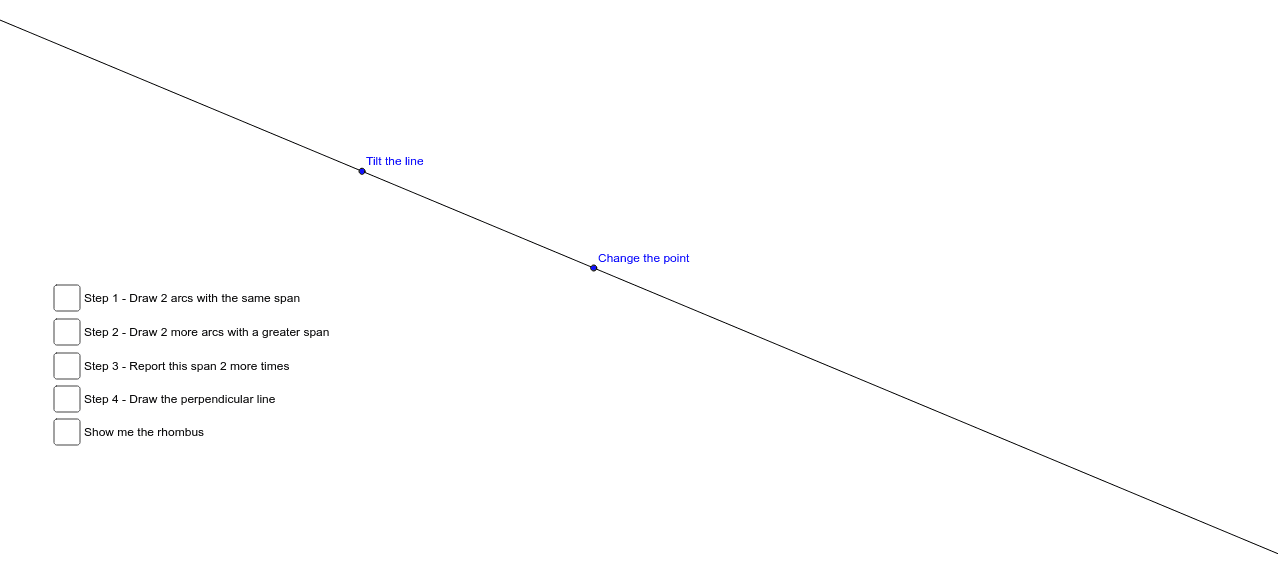
This example demonstrates how to construct a perpendicular line through a point on a given line. It involves core mathematical concepts such as perpendicularity, distance from a point to a line, and geometric construction. The construction uses commands/objects like Line, Point, Circle, Mirror, Intersect, Rotate, CircumcircleArc, Segment, Polygon, and Angle in GeoGebra. Suitable for high school mathematics or coordinate geometry instruction.
GeoGebra Commands & Parameters
Line(A, B) → aPoint(a) → CPoint(a) → ECircle(E, I) → dMirror(d, C) → d'Circle(C, E) → cIntersect(c, a, 2) → GIntersect(d, d', 2) → HIntersect(d, d') → F, J, ,Line(H, F) → bRotate(E, α, C) → E'Rotate(E, (-α), C) → E'_1Rotate(G, α, C) → G'Rotate(G, (-α), C) → G'_1Rotate(F, α, E) → F'Rotate(F, (-α), E) → F'_1Rotate(F, α, G) → F'_2Rotate(F, (-α), G) → F'_3Rotate(H, α, E) → H'Rotate(H, (-α), E) → H'_1Rotate(H, α, G) → H'_2Rotate(H, (-α), G) → H'_3CircumcircleArc(E', E, E'_1) → eCircumcircleArc(G'_1, G, G') → fCircumcircleArc(F', F, F'_1) → gCircumcircleArc(F'_2, F, F'_3) → hCircumcircleArc(H', H, H'_1) → kCircumcircleArc(H'_3, H, H'_2) → pSegment(C, G') → iSegment(C, G) → jSegment(C, G) → lSegment(C, G'_1) → mSegment(C, E'_1) → nSegment(E, C) → qSegment(E', C) → rSegment(F', E) → sSegment(F, E) → tSegment(F'_1, E) → b_1Segment(F'_2, G) → c_1Segment(F, G) → d_1Segment(F'_3, G) → e_1Segment(E, H'_1) → f_1Segment(H, E) → g_1Segment(H', E) → h_1Segment(H'_3, G) → i_1Segment(H, G) → j_1Segment(H'_2, G) → k_1Polygon(E, H, G, F) → poly1, e_2, h_2, g_2, f_2Angle(F, C, E) → β
AI Drawing Prompt Reference
Construct a perpendicular line through a point on a given line. Start by drawing a line AB with points A and B. Then, take point C on the line and draw a circle with center C. Draw another circle with center E, and find the intersection points G and H. Use reflections and rotations to find the symmetric points of F and H, and draw the perpendicular line b. Finally, construct arcs and segments to form a quadrilateral.
The prompt above was compiled from the original drawing commands and is for reference only.