
Perpendicular Bisector Construction with Feedback
Loading the math board and drawing, please wait…
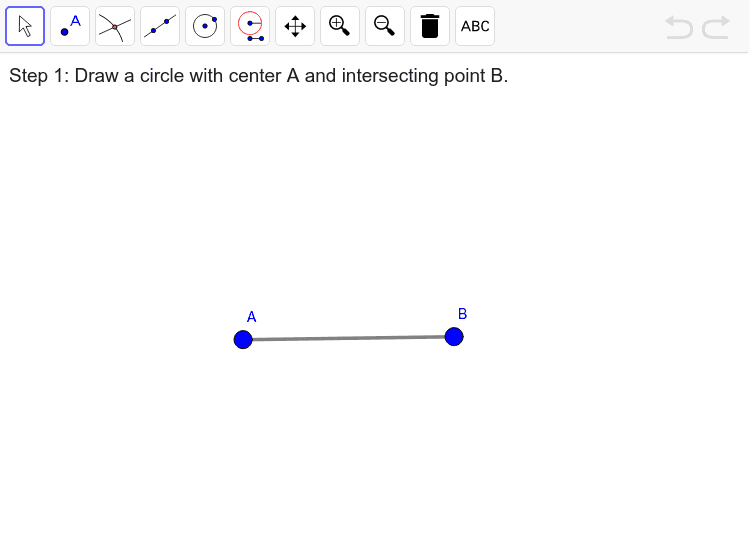
This example demonstrates how to construct the perpendicular bisector of a line segment using GeoGebra, with real-time feedback. Core mathematical concepts include line segments, circles, intersections, and lines. The construction uses commands like Segment, Circle, Intersect, and Line, along with objects such as A, B, a_1, circle1, circle2, and zPoint. Suitable for middle school students and above to learn geometric constructions and spatial reasoning.
GeoGebra Commands & Parameters
Segment(A, B) → a_1Circle(A, B) → circle1Circle(B, A) → circle2Intersect(circle1, circle2, 1) → zPointIntersect(circle1, circle2) → m1, m2, ,Segment(m1, m2) → zAnswer_1Line(m1, m2) → zAnswerLine(A, B) → aSegment(A, B) → b