
Perimeter Testing 3: Right Triangles and Trigonometric Functions
Loading the math board and drawing, please wait…
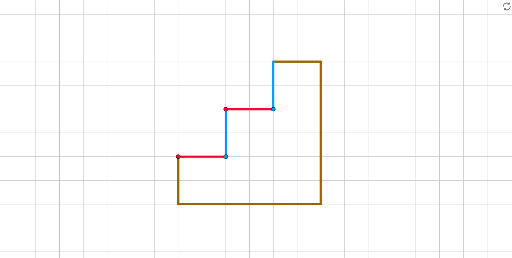
This GeoGebra example demonstrates a dynamic geometric construction focused on perimeter testing, involving right triangles and trigonometric functions. It explores how perimeters change with varying side lengths and angles, integrating concepts from natural numbers, conditional probability, and exponents. The construction uses commands such as Line, Point, Intersect, and Segment to create numerous points (A through T) and segments (a through p_2), forming an intricate network of intersecting lines and triangles. This setup allows users to investigate relationships between triangle sides, trigonometric ratios, and perimeter calculations. Suitable for high school or early college students, it serves as an interactive tool for understanding trigonometric functions in geometric contexts, as well as for exploring probabilistic interpretations of geometric configurations. The dynamic nature of the construction enables experimentation with different parameters, making it ideal for classroom demonstrations or self-study in geometry and trigonometry.
GeoGebra Commands & Parameters
Line(A, B) → fPoint(yAxis) → CLine(C, D) → gLine(E, F) → hLine(G, H) → iPoint(i) → ILine(I, J) → jPoint(i) → KLine(K, L) → kPoint(i) → MLine(M, N) → lPoint(i) → OLine(O, P) → mIntersect(i, j) → QPoint(j) → RSegment(Q, R) → nPoint(Circle[S, 2]) → TSegment(S, T) → pPoint(Circle[S_1, 2]) → T_1Segment(S_1, T_1) → p_1Point(Circle[S_2, 2]) → T_2Segment(S_2, T_2) → p_2Point(Circle[U, 6]) → VSegment(U, V) → qPoint(q) → WPoint(Circle[W, 2]) → ZSegment(W, Z) → rPoint(Circle[U_1, 6]) → V_1Segment(U_1, V_1) → q_1Point(Circle[W_1, 2]) → Z_1Segment(W_1, Z_1) → r_1Point(Circle[U_2, 6]) → V_2Segment(U_2, V_2) → q_2Point(Circle[W_2, 2]) → Z_2Segment(W_2, Z_2) → r_2