
Percentages Game – Interactive Quiz with Random Percentage Problems and Auto‑Che
Loading the math board and drawing, please wait…
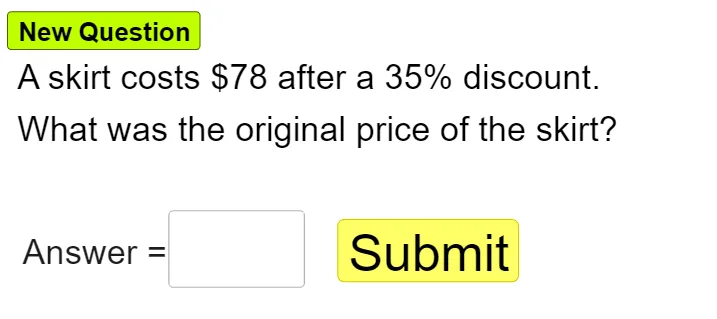
This GeoGebra example implements an interactive Percentages Quiz that randomly generates percentage problems and provides immediate feedback. It showcases the use of RandomElement to select questions, Textfield and InputBox for user input, and button objects to trigger answer checking, while objects like a1, a2, a3 store problem data and text objects display prompts and results. The core mathematics covers percentage fundamentals, conversion between percentages, fractions, and decimals, and simple linear function applications. Designed for middle‑school through high‑school learners, it also serves as a quick drill tool for adults refreshing their arithmetic skills.
GeoGebra Commands & Parameters
RandomElement({2, 4, 5, 8, 10, 15, 18, 20, 25, 30, 35, 40, 45, 50, 55, 60, 75}) → a1RandomElement({5, 8, 10, 15, 20, 25, 30, 35, 40, 45, 50, 60, 70, 80}) → b1Element(l1, n) → q0RandomElement({"dress", "skirt", "shirt", "shoe", "computer", "bike", "table"}) → object1, "skirt"Element({t1, t2, t3, t4}, n) → t0Textfield(ans) → InputBox1
AI Drawing Prompt Reference
Create an interactive “Percentages Quiz” screen layout. Show a question text that is generated from two randomly chosen percentage-related integers coming from predefined sets, and embed a randomly selected item keyword from options like dress, skirt, shirt, shoe, computer, bike, or table to form a context phrase in the prompt. Include an answer input field for the user to type a response, and include text areas to display the question and the immediate result/feedback after the user checks the answer. Focus on the flow: random selection → prompt display → user input → answer result display.
The prompt above was compiled from the original drawing commands and is for reference only.