
Parallelogram Investigations by Dan Buker
Loading the math board and drawing, please wait…
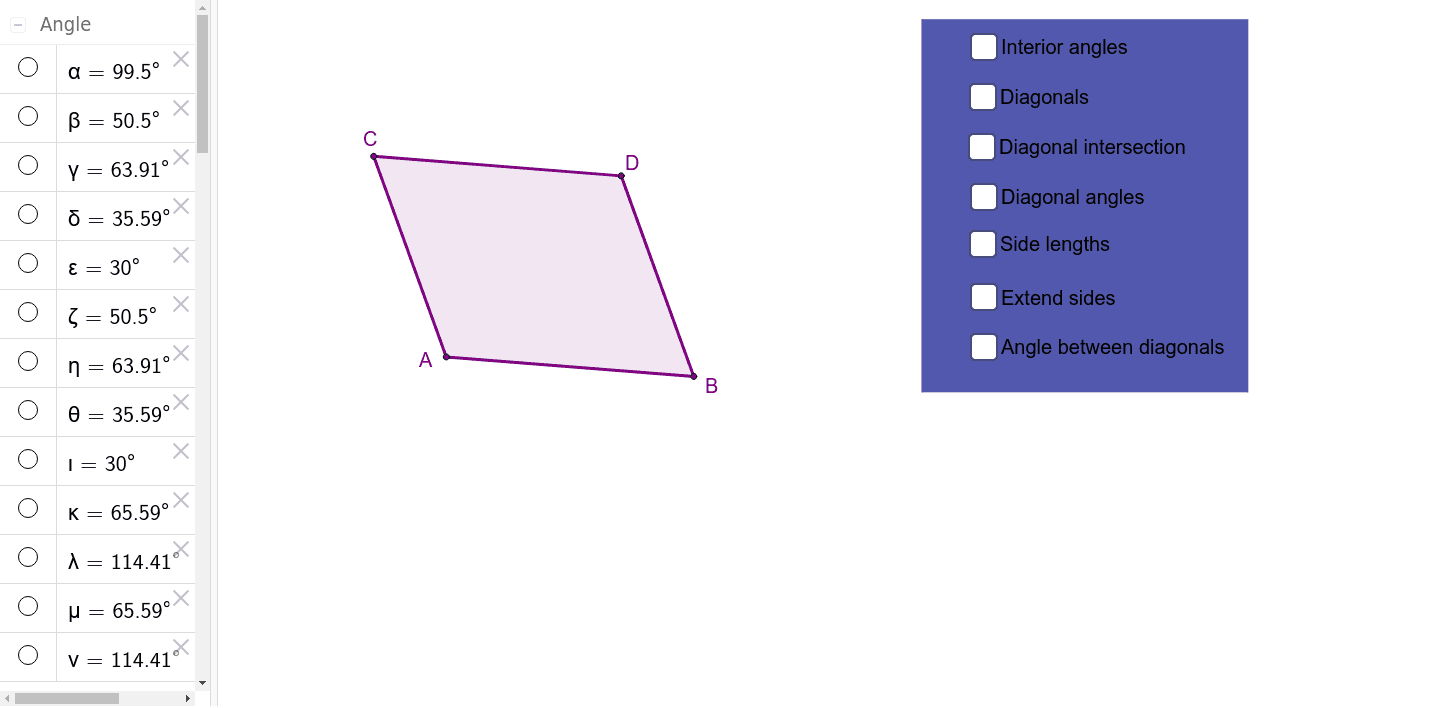
This example demonstrates the geometric properties and vector relationships of parallelograms. It involves core math concepts like vectors, parametric curves, coordinate geometry, and geometric construction. Key GeoGebra commands used include Line, Intersect, Polygon, Segment, and Angle for constructing the parallelogram and auxiliary elements. Suitable for high school mathematics teaching or student exploration of geometric transformations and vector applications.
GeoGebra Commands & Parameters
Line(A, B) → aLine(C, a) → bLine(A, C) → cLine(B, c) → dIntersect(b, d) → DPolygon(C, A, B, D) → poly1, c_1, a_1, b_1, d_1Segment(A, D) → ADSegment(C, B) → CBSegment(C, D) → CDSegment(D, B) → DBSegment(B, A) → BASegment(A, C) → ACSegment(D, A) → gSegment(C, B) → hAngle(g, h) → αSegment(A, D) → jSegment(C, B) → kAngle(B, A, D) → βAngle(D, A, C) → γAngle(A, C, B) → δAngle(B, C, D) → εAngle(C, D, A) → ζAngle(A, D, B) → ηAngle(D, B, C) → θAngle(C, B, A) → ιIntersect(j, k) → ESegment(E, C) → ECSegment(E, D) → EDSegment(E, B) → EBSegment(E, A) → EALine(C, A) → nLine(A, B) → pLine(B, D) → qLine(D, C) → rPolygon(F, G, H, I) → poly2, f_1, g_1, h_1, i_1Angle(poly1) → κ, λ, μ, ν
AI Drawing Prompt Reference
Draw a parallelogram ABCD, connect its diagonals AC and BD to find their intersection point E. Then draw auxiliary segments AE, BE, CE, and DE, and mark angles α, β, γ, δ, ε, ζ, η, θ, and ι. Finally, construct two rhombuses inside the parallelogram and mark their angles κ, λ, μ, and ν.
The prompt above was compiled from the original drawing commands and is for reference only.