
Parallelogram Demonstration by Heidi Clawson
Loading the math board and drawing, please wait…
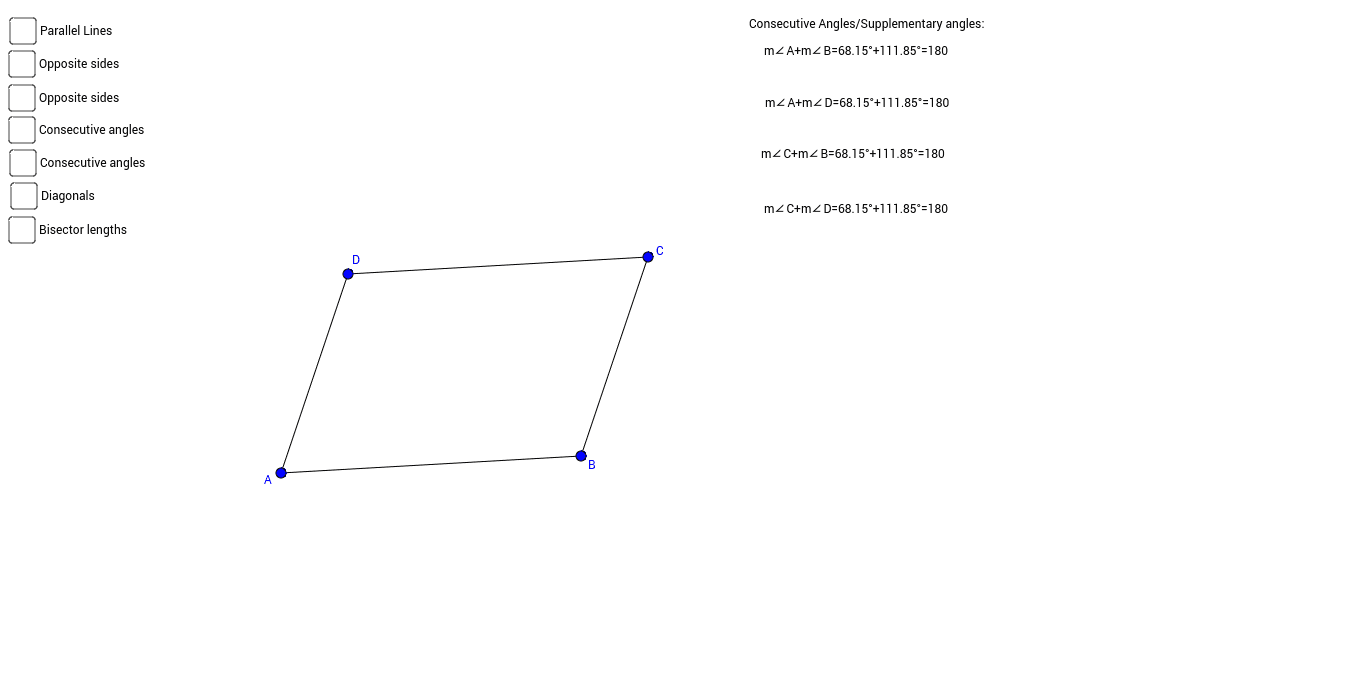
This example demonstrates the geometric properties and calculations of parallelograms. It involves core concepts like the definition of parallelograms, properties of diagonals, angle measurement, distance calculation, and trigonometric applications. The construction uses GeoGebra commands such as Segment, Line, Intersect, Angle, and Distance. It is suitable for high school mathematics teaching to visually understand the geometric characteristics and calculation methods of parallelograms.
GeoGebra Commands & Parameters
Segment(A, B) → aSegment(B, C) → bLine(A, b) → cLine(C, a) → dIntersect(c, d) → DSegment(A, D) → eSegment(D, C) → fAngle(D, C, B) → αAngle(B, A, D) → βAngle(A, D, C) → γAngle(C, B, A) → δLine(D, C) → gLine(A, B) → hDistance(D, C) → distanceDCDistance(C, B) → distanceCBDistance(B, A) → distanceBADistance(A, D) → distanceADSegment(C, A) → jSegment(D, B) → kIntersect(j, k) → EDistance(C, E) → distanceCEDistance(E, A) → distanceEADistance(D, E) → distanceDEDistance(E, B) → distanceEB