
Parallellogram Demo
Loading the math board and drawing, please wait…
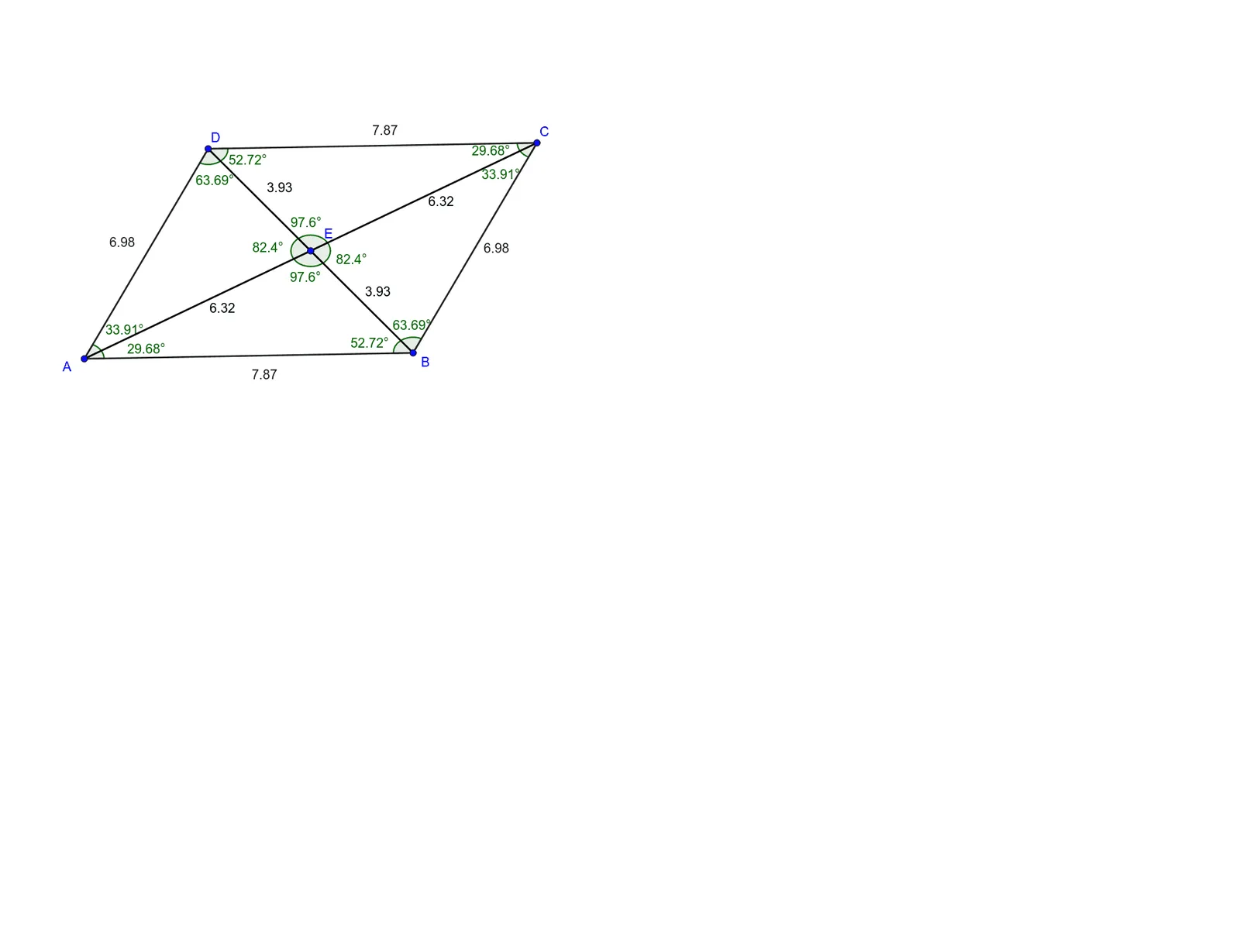
This example demonstrates the geometric properties and transformations of parallelograms. It involves core math concepts like parallelogram definition, vectors, matrix transformations, and geometric constructions. Key GeoGebra commands used include Line, Intersect, Polygon, Segment, Angle, with objects like f, g, h, i to show transformations and properties. Suitable for high school mathematics teaching to understand geometric transformations and matrix applications.
GeoGebra Commands & Parameters
Line(A, B) → fLine(D, f) → gLine(A, D) → hLine(B, h) → iIntersect(g, i) → CPolygon(A, B, C, D) → q1, a, b, d, cSegment(A, C) → jSegment(D, B) → kIntersect(j, k) → ESegment(A, E) → lSegment(E, B) → mSegment(E, C) → nSegment(E, D) → pAngle(A, D, E) → αAngle(D, E, A) → βAngle(A, E, B) → γAngle(E, B, A) → δAngle(B, A, E) → εAngle(E, A, D) → ζAngle(E, D, C) → ηAngle(D, C, E) → θAngle(E, C, B) → ιAngle(C, B, E) → κAngle(B, E, C) → λAngle(C, E, D) → μ
AI Drawing Prompt Reference
Draw a parallelogram by first constructing a base side and a left side, then using parallel lines to determine the fourth vertex, forming a complete quadrilateral. Add both diagonals and mark their intersection point, then draw segments from this point to each of the four vertices. Finally, label multiple angles at the vertices, the intersection point, and where sides meet diagonals, illustrating the angle relationships and symmetry of the parallelogram.
The prompt above was compiled from the original drawing commands and is for reference only.