
Parabola Construction by Steve Phelps
Loading the math board and drawing, please wait…
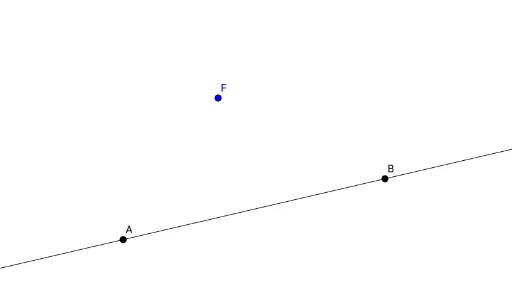
This example demonstrates the dynamic construction of a parabola. It involves core mathematical concepts such as functions, coordinate geometry, geometric construction, and locus. Key GeoGebra commands and objects used include Line, Point, Midpoint, Segment, OrthogonalLine, Angle, Intersect, and Locus. Suitable for high school mathematics teaching or self-study to understand the geometric definition and properties of parabolas.
GeoGebra Commands & Parameters
Line(A, B) → fPoint(f) → DLine(F, D) → gMidpoint(F, D) → MSegment(F, M) → jSegment(M, D) → kOrthogonalLine(M, g) → hAngle(g, h) → αOrthogonalLine(D, f) → iAngle(f, i) → βIntersect(h, i) → PLocus(P, D) → loc1
AI Drawing Prompt Reference
Draw a line and mark a point on it. Then, draw another line through this point and a point outside the first line. Find the intersection of these two lines and the midpoint of the first line. Connect the midpoint to the intersection point and draw a line perpendicular to the first line through the midpoint. Next, draw a line perpendicular to the first line through the intersection point. The intersection of these two perpendicular lines is a key point. Finally, trace the path of this point as it moves along the second line to form a parabola.
The prompt above was compiled from the original drawing commands and is for reference only.