
Optimizing Rancher's Area
Loading the math board and drawing, please wait…
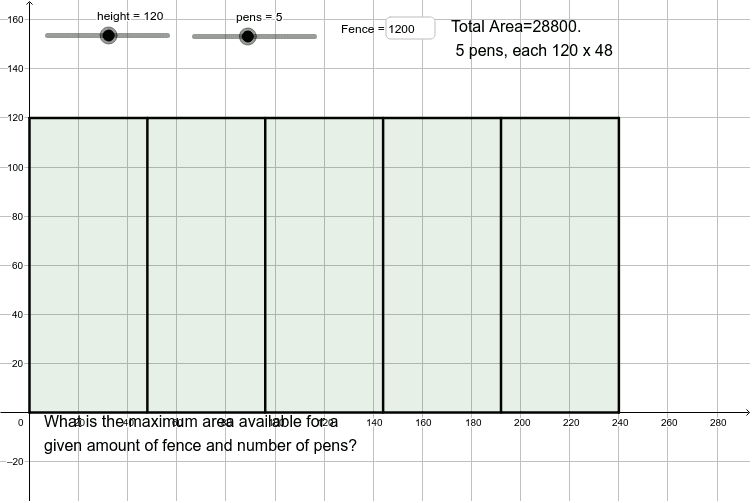
This example demonstrates how to construct multiple rectangular pens sharing a side using GeoGebra, aiming to find the rectangle size that maximizes area for a given perimeter. Key math concepts include perimeter, area, function optimization, indefinite integral, and tangent lines. The construction uses commands like Sequence, Polygon, and Textfield to dynamically visualize changes in pen dimensions and area. Suitable for high school and above, exploring applications of analytical geometry, calculus, and optimization problems.
GeoGebra Commands & Parameters
Sequence(Segment[A + (i * (width / pens, 0)), B + (i * (width / pens, 0))], i, 1, pens - 1) → list1Polygon(A, B, B + (width, 0), A + (width, 0)) → poly1, a, b, c, dTextfield(Fence) → InputBox1
AI Drawing Prompt Reference
Draw multiple rectangular pens sharing a side to demonstrate how adjusting their width can optimize the total area. The pens should be connected by consecutive line segments, with the total perimeter and the area of each pen labeled to observe how the area changes when the perimeter is fixed.
The prompt above was compiled from the original drawing commands and is for reference only.