
Naming Planes with Three Points by David DeShetler
Loading the math board and drawing, please wait…
In collections
Points, Lines & Planes
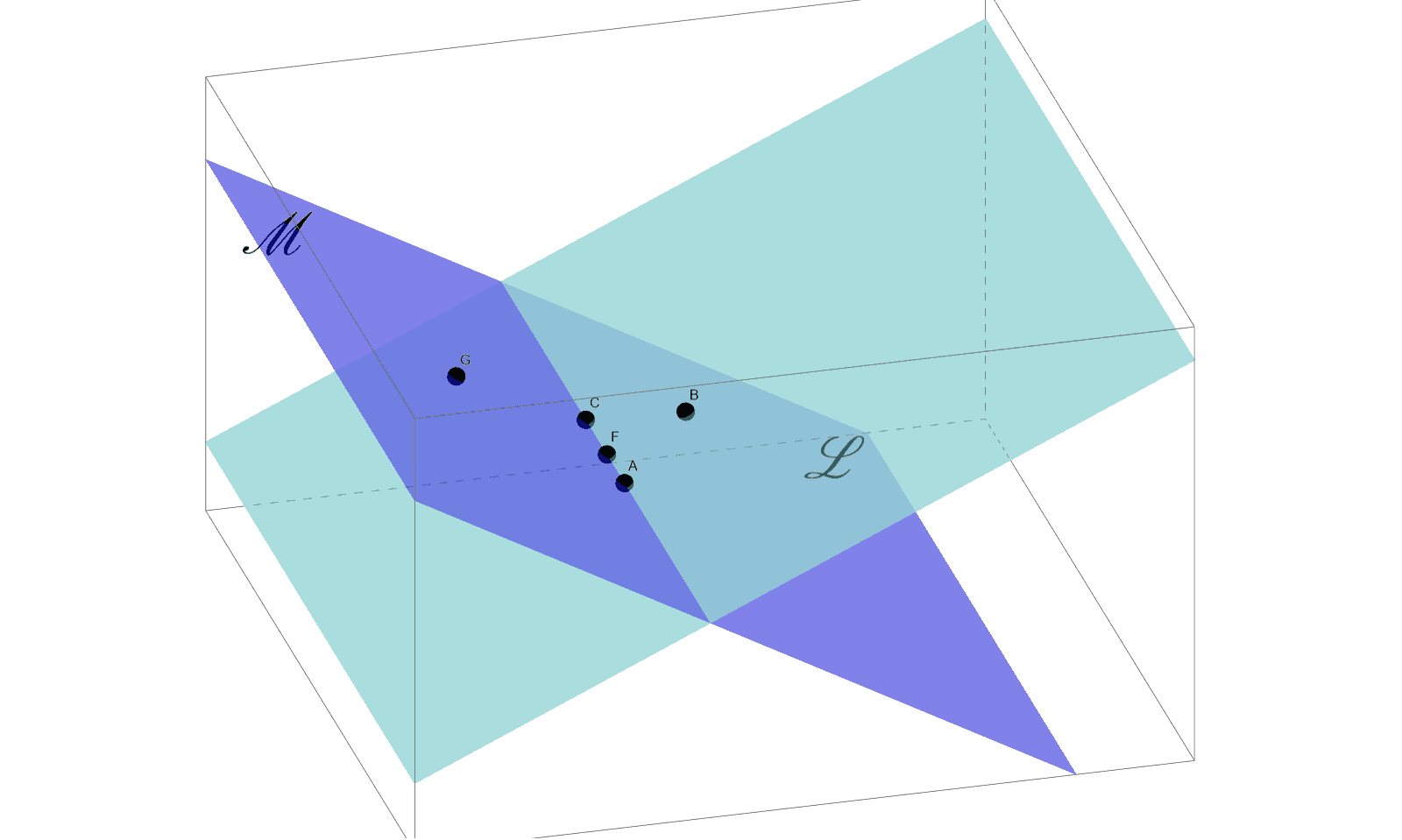
This example demonstrates how to define a plane using three non-collinear points. It involves core mathematical concepts like plane definition, collinearity, and spatial geometry. The construction uses GeoGebra commands such as Point to create points A, B, C, Plane to generate the plane, and PointIn to verify point-plane relationships, along with auxiliary points and text objects. Suitable for high school solid geometry instruction to understand plane representation.
GeoGebra Commands & Parameters
Point(xAxis) → CPlane(A, B, C) → aPoint(yAxis) → FPlane(C, A, G) → bPointIn(a) → DPointIn(b) → E
AI Drawing Prompt Reference
Draw a plane defined by three non-collinear points and show two auxiliary planes. Start by marking two points on the coordinate axes, then generate the first plane using these three points. Next, create a second auxiliary plane using one of these points and the other two. Mark an arbitrary point on the first plane and another point on the second plane. Finally, label these points and planes to illustrate their relationships, aiding in understanding spatial geometry and plane representation.
The prompt above was compiled from the original drawing commands and is for reference only.