
Multiplication Table Worksheet (Random Practice with Instant Feedback)
Loading the math board and drawing, please wait…
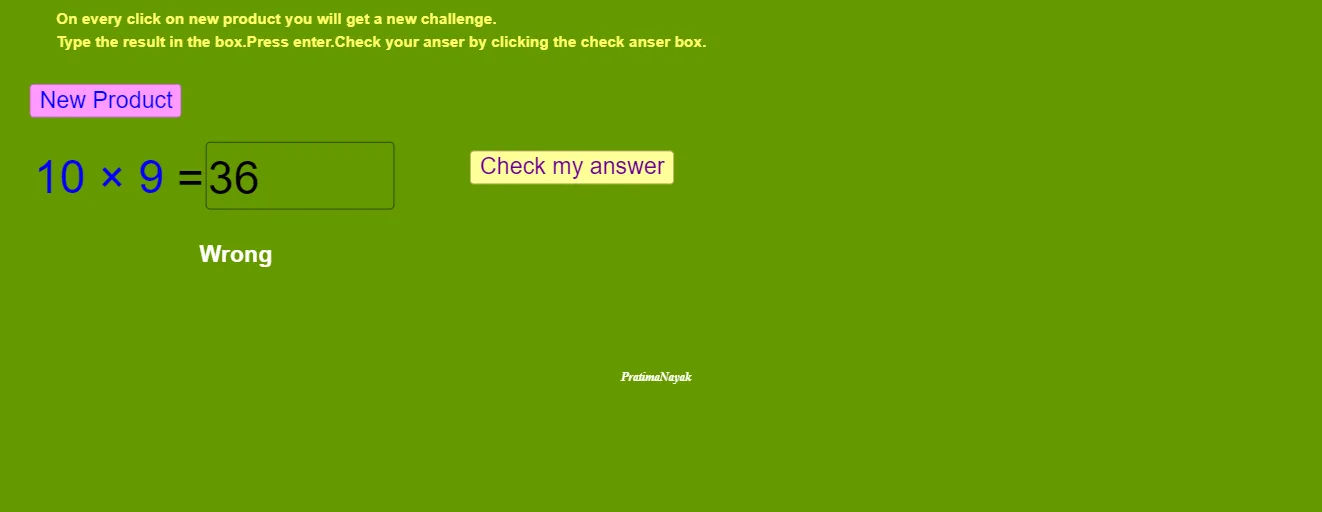
① This interactive worksheet demonstrates a multiplication table practice activity where two random numbers (r and b) are generated, the user inputs their product, and the system instantly checks correctness. ② The core mathematical concept is integer multiplication (times tables) and basic arithmetic, along with interactive logic involving random number generation, text input, and conditional evaluation. ③ Construction details: from the summary, GeoGebra commands include Random to generate random multipliers, Textfield for user input, buttons (newbtn, checkbtn) to create new problems and check answers, Product to compute the product, variables qa, answer, uans for storing the question and user response, result and iscorrect to display feedback, and text1–text5 for showing the problem and messages. ④ This is suitable for lower primary grades (e.g., grades 2–3) in math classrooms or home practice, and can be used by teachers to create interactive quizzes that reinforce multiplication tables with immediate feedback.
GeoGebra Commands & Parameters
Random(1, 10) → rRandom(1, 12) → bTextfield(k) → answer
AI Drawing Prompt Reference
Create a multiplication practice worksheet that randomly generates two numbers r and b, and asks the user to input their product. Set up a text field for the user's answer and buttons to generate new problems and check the answer. The system will instantly show feedback on whether the answer is correct or not.
The prompt above was compiled from the original drawing commands and is for reference only.