
Multiplication Table by Ibrahim El Hage
Loading the math board and drawing, please wait…
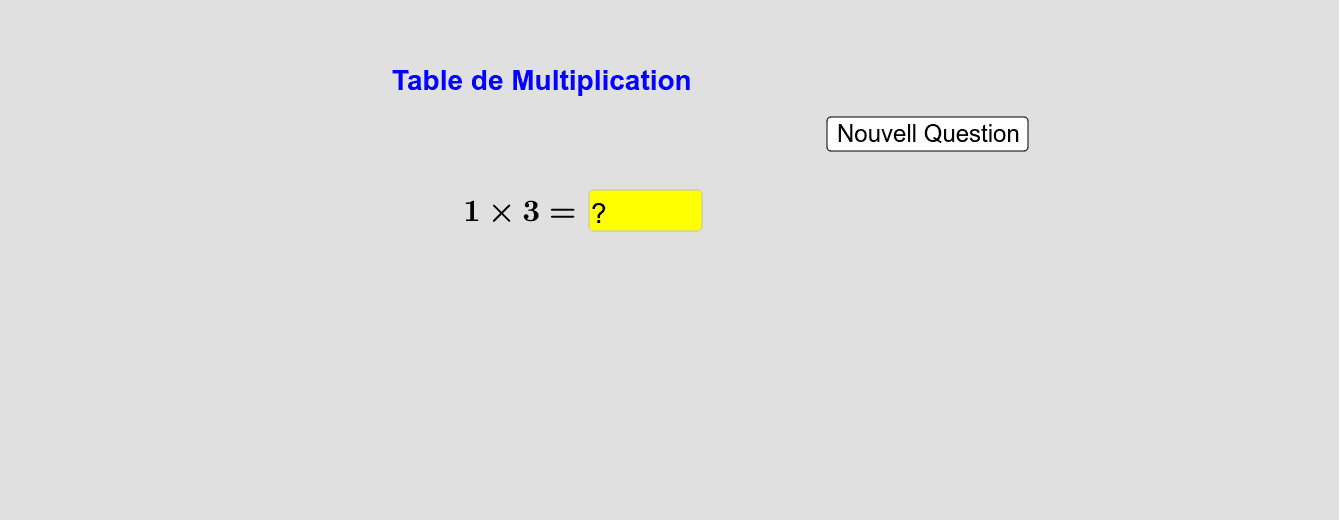
This example demonstrates how to create a dynamic multiplication table using GeoGebra. It involves core mathematical concepts like arithmetic operations and data visualization. Key GeoGebra commands and objects used include Random, Textfield, InputBox1, and button1 for user interaction. Suitable for middle school mathematics education to illustrate dynamic data changes and basic programming logic.
GeoGebra Commands & Parameters
Random(1, 9) → aRandom(1, 9) → bTextfield(Ans) → InputBox1
AI Drawing Prompt Reference
Create a dynamic multiplication table with two randomly generated numbers between 1 and 9, display these numbers in a text field for user visibility.
The prompt above was compiled from the original drawing commands and is for reference only.