
Multiplication Practice by Auston B Cron
Loading the math board and drawing, please wait…
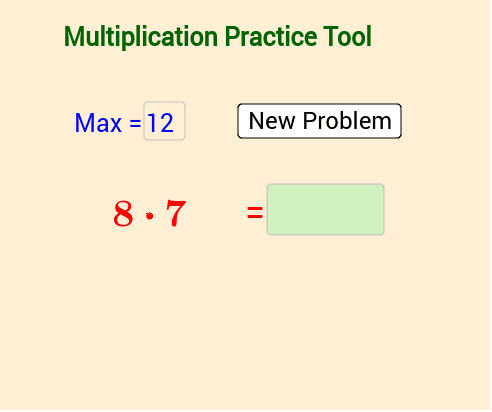
This example demonstrates an interactive multiplication table practice tool. It involves core mathematical concepts like multiplication operations and random number generation. Construction highlights include using commands like Random, Textfield, and If, along with objects such as max, a, b, ans for calculations and comparisons, and interactive elements like inputBox and button1 for user engagement. Suitable for elementary mathematics teaching or self-learning purposes.
GeoGebra Commands & Parameters
Random(2, max) → aRandom(2, max) → bTextfield(empty) → inputBoxTextfield(max) → maxBoxIf(ans_{student} ≟ ans, "correct", "Sorry: " + ans) → textcontrol
AI Drawing Prompt Reference
Create an interactive multiplication practice tool featuring randomly generated numbers for calculation, a text box for user input, and another displaying the maximum value. Include a text control element showing 'correct' or 'sorry: correct answer' based on user input. Designed for elementary mathematics teaching or self-learning, emphasizing multiplication operations and random number generation, with interactive elements like buttons and text boxes for user engagement.
The prompt above was compiled from the original drawing commands and is for reference only.