
Multiplication Facts Challenge: 15 Random Questions
Loading the math board and drawing, please wait…
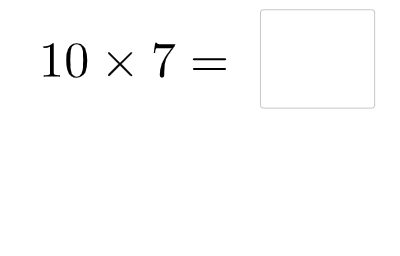
This example demonstrates how to create an interactive multiplication practice set by randomly generating 15 multiplication questions and using conditional checking to support immediate feedback. The key mathematics is mastering multiplication facts through repeated arithmetic drill, improving accuracy and fluency, with randomness to vary the problems each run. The GeoGebra construction centers on creating question parameters via Random, collecting user answers through Textfield, and evaluating correctness with If logic. The involved objects include a, b, c, d (numbers used to form the multiplication expressions), InputBox1 (answer entry), button1 (submit/generate trigger), and text1/text2/text3 (displaying prompts, questions, and results). Suitable for elementary-to-early-middle-school students and for classroom practice, homework reinforcement, or interactive quiz activities.
GeoGebra Commands & Parameters
Random(1, 12) → aRandom(1, 12) → bTextfield(d) → InputBox1If(d > c, "Too high!", d < c, "Too low!") → text3
AI Drawing Prompt Reference
Create an interactive multiplication practice interface with two randomly generated numbers between 1 and 12 displayed as a multiplication expression. Include an input box for the user to type their answer, and a submit button. After submission, show feedback text saying 'Too high!' or 'Too low!' based on whether the entered answer is greater or less than the correct product. The layout should be clean and student-friendly, with the question changing randomly each time.
The prompt above was compiled from the original drawing commands and is for reference only.