
Moving Vectors
Loading the math board and drawing, please wait…
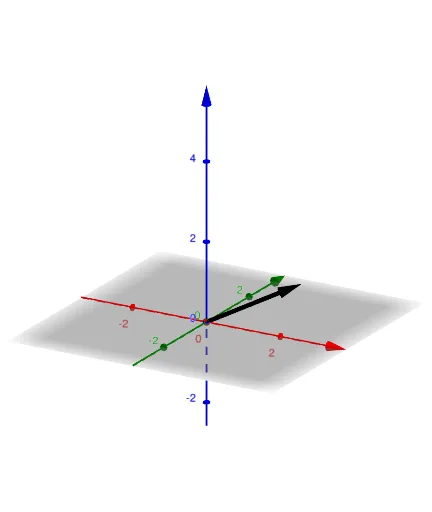
This example demonstrates the movement of vectors in 1D, 2D, and 3D spaces. Key mathematical concepts include vector addition and dilation. Using the GeoGebra command Vector, users can observe the changes of vectors in different dimensions. Suitable for middle school and above students or teachers for educational purposes.
GeoGebra Commands & Parameters
Vector((sin(t), 0), (4 + sin(t), 0)) → uVector((cos(t) - 1, sin(t) / 2), (cos(t) + 1, sin(t) / 2 - 1)) → vVector((cos(t) - 1, sin(t), (0.5 * sin(t))), (cos(t) + 1, sin(t) + 1, (0.5 * sin(t)) + 1)) → w
AI Drawing Prompt Reference
Show moving vectors in 1D, 2D, and 3D. First, in a 1D coordinate line, draw vector u from (sin(t), 0) to (4 + sin(t), 0) so it shifts periodically as t changes. Next, in the 2D plane, draw vector v from (cos(t) - 1, sin(t)/2) to (cos(t) + 1, sin(t)/2 - 1), with its direction and position varying with t. Finally, in 3D space, draw vector w from (cos(t) - 1, sin(t), 0.5*sin(t)) to (cos(t) + 1, sin(t) + 1, 0.5*sin(t) + 1), illustrating the same kind of vector motion in three dimensions.
The prompt above was compiled from the original drawing commands and is for reference only.