
More Accurate Geometric Approximation: Circle Construction and Unrolling Analysi
Loading the math board and drawing, please wait…
In collections
The Treehouse-Projekt - Team Architects
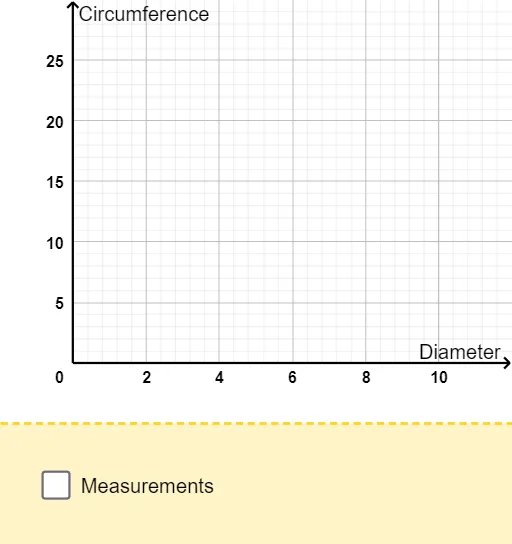
This example demonstrates how to obtain more accurate geometric measurements by constructing circles, arcs, and key intersection points, then using transformations such as rotation and an unroll step to create a comparison framework. It visually highlights the role of special points and median-like/central measures in refining the approximation. The main mathematical concepts include circle geometry (radius/diameter relations), construction of circular arcs and their corresponding points, and an analysis-oriented viewpoint consistent with differential/median themes (comparing how the computed quantity improves near notable locations). Construction highlights: Circle is used to generate the base circles and radius/diameter features; Intersect finds crucial points (e.g., multiple labeled points and their primed counterparts); Segment builds measurable connecting lines; Rotate aligns or maps configurations through rotation; CircleArc constructs arc portions for measurement and comparison; Point places and tracks the required discrete points; and Text (multiple Text objects) annotates the symbols and computed results. The use of diameter/radius and unroll in combination with repeated point labels reflects the workflow of unfold–compare–refine. Suitable for advanced secondary students, introductory calculus/analysis lessons, and geometry-construction demonstrations focused on verification and improved accuracy.
GeoGebra Commands & Parameters
Circle(M, Radius) → cIntersect(c, y = 0) → A, FSegment(X, A) → dRotate(A, (2 * pi) - (pi * unroll / 180), M) → A'CircleArc(M, A, A') → eSegment(A, M) → gRotate(A, pi, M) → A'_1Rotate(A'_1, (2 * pi) - (pi * unroll / 180), M) → BSegment(M, B) → iPoint(Circle[(0, 0), Diameter]) → ESegment((0, 0), E) → jSegment(A', M) → hSegment((Diameter, 0), (Diameter, f(Diameter))) → kCircle(M, Diameter / 2) → pSegment((0, f(Diameter)), (Diameter, f(Diameter))) → lSegment((0, 0), (0, Diameter)) → mSegment((Diameter, 0), (Diameter, Diameter)) → nSegment((0, -0.2), (Diameter, -0.2)) → qText("Diameter: ") → Text1Text("Circumference:") → Text2Text("cm") → Text4Text("cm") → Text5Text(d) → Text6Text(round((10 * Diameter)) / 10) → Text3Segment((0, 0), (Diameter, 0)) → rSegment((0, 0), (0, f(Diameter))) → sSegment((0, f(Diameter)), (Diameter, f(Diameter))) → tSegment((Diameter, 0), (Diameter, f(Diameter))) → f_1
AI Drawing Prompt Reference
The graphic shows a circle with diameter and radius markings. It includes a circular arc for measurement and comparison. Some points are rotated to align, reflecting an unfold-comparison-refine workflow. Line segments connect these points to form a framework. Text labels diameter and circumference. The graphic aims to illustrate circle geometry and centralized measurement concepts, suitable for geometric construction demonstrations.
The prompt above was compiled from the original drawing commands and is for reference only.