
Minimizing Triangle Perimeter
Loading the math board and drawing, please wait…
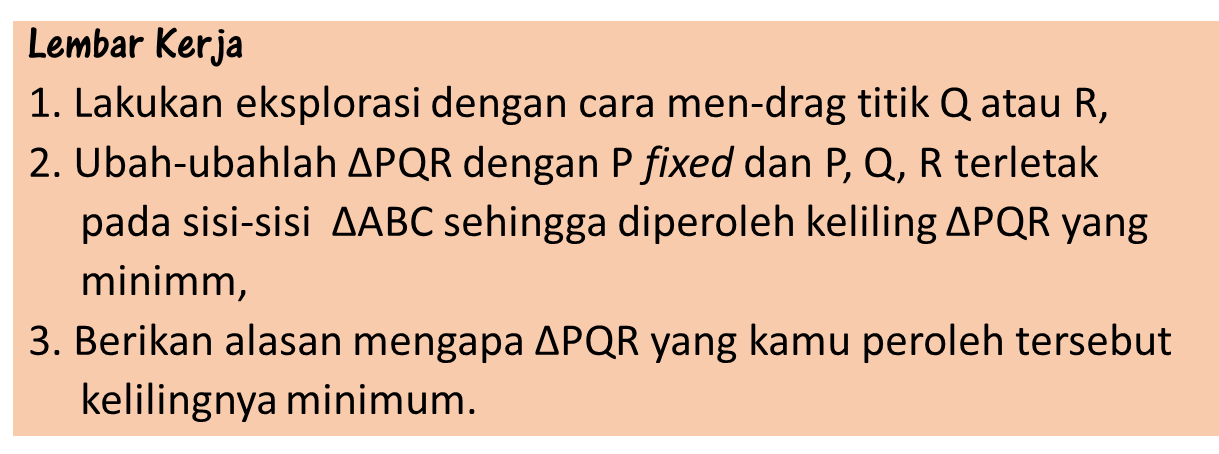
This example demonstrates how to minimize the perimeter of a triangle by dynamically adjusting its vertices. Key math concepts include perimeter calculation, straight lines, coordinate geometry, reflection, and intersection points. GeoGebra commands/objects used in construction are Polygon, Point, Perimeter, Mirror, Segment, Intersect, and Line. Suitable for high school mathematics teaching, illustrating optimization problems and geometric construction techniques.
GeoGebra Commands & Parameters
Polygon(A, B, C) → poly1, c, a, bPoint(poly1) → PPoint(poly1) → QPoint(poly1) → RPolygon(P, Q, R) → poly2, e, p, dPerimeter(poly2) → KllMirror(P, b) → P'_1Mirror(P, a) → P'Segment(P, P') → fSegment(P, P'_1) → gIntersect(g, b) → DIntersect(a, f) → ELine(R, Q) → hSegment(P'_1, P') → jSegment(Q, P'_1) → iSegment(R, P') → k
AI Drawing Prompt Reference
Draw a triangle ABC and dynamically adjust points P, Q, and R inside the triangle to minimize the perimeter of triangle PQR. First, draw triangle ABC, then place points P, Q, and R on the triangle and draw triangle PQR to calculate its perimeter. Reflect point P over sides AB and AC to get P' and P'_1, connect these points and find intersection points D and E. Finally, draw a line from R to Q and connect P'_1 to P', Q to P'_1, and R to P'.
The prompt above was compiled from the original drawing commands and is for reference only.