
Mental Arithmetic Target Practice 1
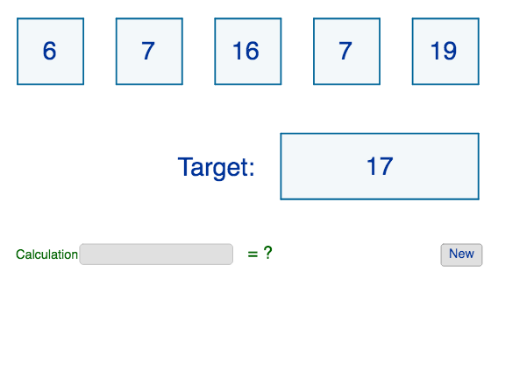
Loading the math board and drawing, please wait…
This example demonstrates how to construct random polygons for mental arithmetic practice using GeoGebra. It involves core math concepts like parametric curves, volume calculation, trigonometric functions, and linear equations. Key GeoGebra commands and objects used include Random, Polygon, RandomElement, Textfield, If, and lists like list1, list2, a, b, list3, A, B, C, D, E, F, G, H, I, J, K, L, M, N, O, P, Q, R, S, T, U, V, W, Z, poly1, a_1, b_1, s, t, poly2, c, d, q, r, poly3. Suitable for middle school and above students for math learning and practice.
GeoGebra Commands & Parameters
Random(5, 50) → aRandom(30, 500) → bPolygon(A, B, S, T) → poly1, a_1, b_1, s, tPolygon(C, D, Q, R) → poly2, c, d, q, rPolygon(E, F, O, P) → poly3, e, f, o, pPolygon(G, H, M, N) → poly4, g, h, m, nPolygon(I, J, K, L) → poly5, i, j, k, lPolygon(U, V, W, Z) → poly6, u, v, w, z_1RandomElement(list1) → c1RandomElement(list1) → c2RandomElement(list2) → c3RandomElement(list2) → c4RandomElement(list3) → c5RandomElement(list1) → c6Textfield(Calculate) → InputBox1If(an ≟ 0, text9, If[0 < an ≤ 2, text10, If[2 < an ≤ 5, text11, text12]]) → anstext