
Median to Hypotenuse Proof
Loading the math board and drawing, please wait…
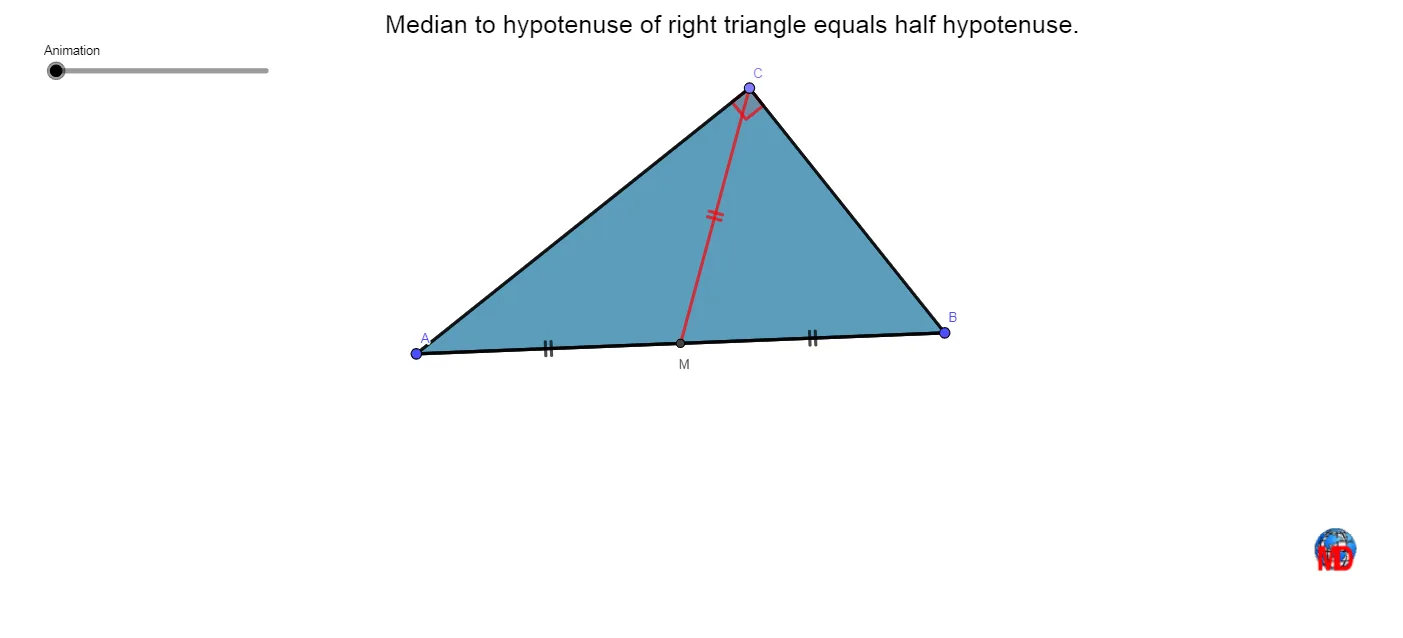
This example dynamically demonstrates the proof of the relationship between the median to the hypotenuse in a right triangle. It involves core mathematical concepts such as the median theorem, properties of right triangles, and the relationship between circles and triangles. Construction highlights include using GeoGebra commands like Midpoint, Circle, Polygon, Angle, Segment, Rotate, and CircleArc. Suitable for high school mathematics teaching, providing an intuitive understanding of geometric theorems and dynamic geometry demonstrations.
GeoGebra Commands & Parameters
Midpoint(A, B) → C_1Circle(C_1, B) → dPoint(d) → CPolygon(B, C, A) → t1, a, b, d_1Angle(A, C, B) → αSegment(C, C_1) → fSegment(A, C_1) → gSegment(C_1, B) → hRotate(B, If[Animation < 10, (Animation * π / 10), π], C_1) → B'Rotate(C, If[Animation < 10, (Animation * π / 10), π], C_1) → D'Rotate(A, If[Animation < 10, (Animation * π / 10), π], C_1) → A'Polygon(B', D', A') → t1', a', b', d'Segment(C_1, D') → jAngle(A', D', B') → βRotate(C, If[Animation ≤ 10, 0, If[10 < Animation < 20, ((Animation - 10) * π / 10), π]], C_1) → D'_1Rotate(C_1, If[Animation ≤ 10, 0, If[10 < Animation < 20, ((Animation - 10) * π / 10), π]], C_1) → MSegment(D'_1, M) → f'Rotate(B, If[Animation ≤ 20, 0, If[20 < Animation < 30, (((Animation - 20) * 2) * π / 10), (2 * π)]], C_1) → B'_1CircleArc(C_1, B, B'_1) → eMidpoint(f) → D
AI Drawing Prompt Reference
Draw a right triangle and dynamically demonstrate the property of the median to the hypotenuse. First, mark the midpoint of the hypotenuse, draw a circle centered at the midpoint intersecting the hypotenuse at another point, and connect this point to the right-angle vertex to form a triangle. Then, draw the segment from the midpoint to the right-angle vertex and dynamically rotate the hypotenuse vertex to observe the relationship between the median and the rotated triangle. Next, draw the rotated triangle and connect the midpoint to the rotated vertex, showing the changes in the median during rotation. Finally, dynamically rotate the hypotenuse vertex again to observe the relationship between the median and the hypotenuse, and use arcs and segments to further illustrate the geometric properties.
The prompt above was compiled from the original drawing commands and is for reference only.