
Measuring Angles with Protractor
Loading the math board and drawing, please wait…
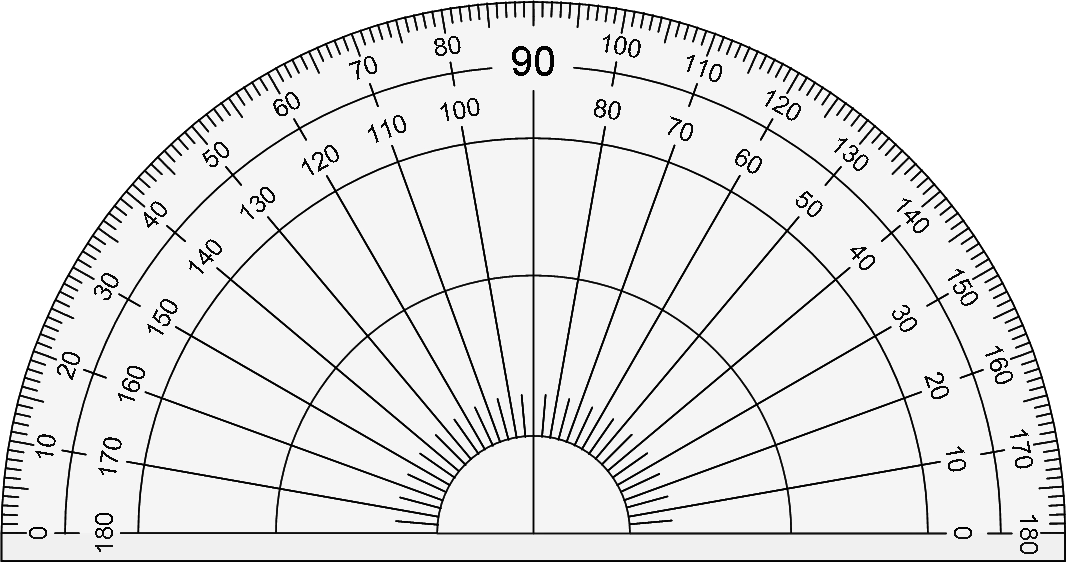
This example demonstrates how to use a protractor to measure angles accurately. It involves core math concepts like angle measurement and geometric construction. Constructed using GeoGebra commands such as Point, Polygon, Sequence, Angle, Segment, and Textfield. Ideal for middle school mathematics education to help students master angle measurement techniques and fundamental geometric knowledge.
GeoGebra Commands & Parameters
Point(Circle[A_1, 5]) → B_1Polygon(A_1, B_1, C_1, D, E, F, B_1, A_1) → poly1, a, b, c, d, e, f, b_1, a_1Sequence(((6 * cos(θ°)), (6 * sin(θ°))), θ, 0, 359) → list1Point(list1) → APoint(list1) → CAngle(A, (0, 0), C) → αSegment((0, 0), A) → gSegment((0, 0), C) → hTextfield(β) → InputBox1
AI Drawing Prompt Reference
Draw a circle with a central angle of 359 degrees, then select two points A and C on the circle, measure the angle AOC, and draw two line segments from the origin to points A and C.
The prompt above was compiled from the original drawing commands and is for reference only.