
Measuring Angles: GeoGebra Beginner Exercise 5
Loading the math board and drawing, please wait…
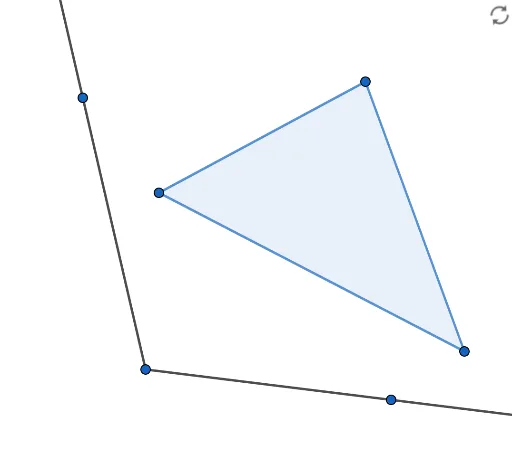
① This example demonstrates how to measure angles in geometric figures by constructing rays and polygons. ② The core mathematical concept is angle definition and measurement, involving rays, polygon vertices, and the angle tool. ③ Construction highlights: from the summary, it uses the Ray and Polygon commands, creating points A, B, C, D, E, F, segments f, g, d, e, and angle t1, by selecting vertex order to generate and measure the angle. ④ Suitable for middle school students beginning geometry, as a GeoGebra introductory exercise to understand angle measurement and basic construction tools.
GeoGebra Commands & Parameters
Ray(A, B) → fRay(A, C) → gPolygon(D, E, F) → t1, f_1, d, e
AI Drawing Prompt Reference
Draw two rays starting from a common point to form an angle, with the shared point as the vertex. Then construct a triangle by connecting three distinct points in order. Finally, measure the angle between the two rays and display its value. The figure consists of two rays and one triangle, where the rays define the angle and the triangle serves as a separate polygon to illustrate angle measurement and basic geometric construction.
The prompt above was compiled from the original drawing commands and is for reference only.