
Measuring Angles by Patricia Arnold
Loading the math board and drawing, please wait…
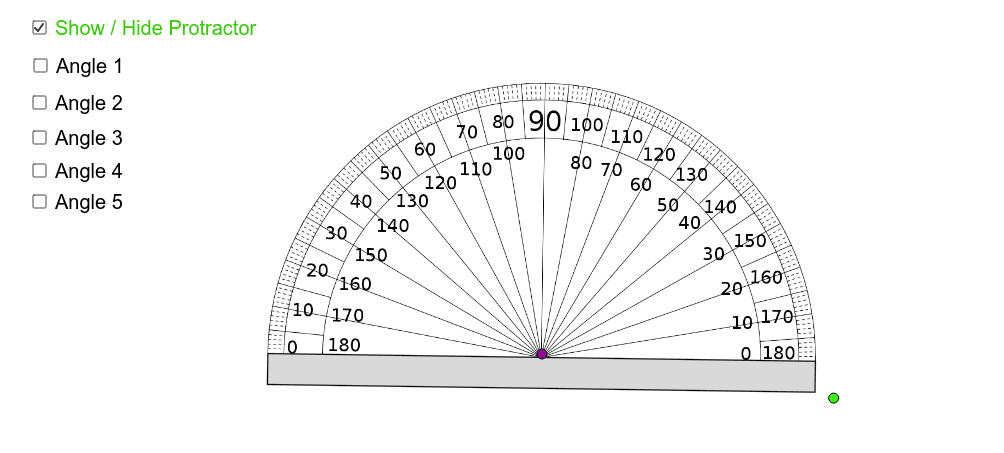
This example demonstrates how to measure angles using GeoGebra, involving core math concepts like angles, distances, rotations, and circles. It utilizes commands such as Angle, Distance, Circle, Point, Rotate, Ray, Intersect, and CircleSector. Suitable for middle school and above students learning geometric angle measurement techniques.
GeoGebra Commands & Parameters
Angle(C_1, A_1, B_1) → αDistance(A_1, B_1) → distanceABCircle(A_1, a) → cPoint(c) → DRotate(D, 195.58*°, A_1) → D'Angle(D', A_1, D) → βRay(B, A) → dRay(B, C) → eCircle(B, 1.5) → fIntersect(f, d) → E,Intersect(f, e, 1) → FCircleSector(B, E, F) → gRay(G, H) → iRay(G, I) → jCircle(G, 1.5) → kIntersect(k, j, 1) → JIntersect(k, i, 1) → KCircleSector(G, J, K) → pRay(L, M) → mRay(L, N) → nCircle(L, 1.5) → qIntersect(q, m, 1) → OIntersect(q, n, 1) → PCircleSector(L, O, P) → rRay(Q, R) → sRay(Q, S) → tCircle(Q, 1.5) → c_1Intersect(c_1, s, 1) → TIntersect(c_1, t, 1) → UCircleSector(Q, U, T) → d_1Ray(V, W) → a_1Ray(V, Z) → b_1Circle(V, 1.5) → e_1Intersect(e_1, a_1) → D_1,Intersect(e_1, b_1, 1) → E_1CircleSector(V, E_1, D_1) → f_1