
Measure Angle with a Protractor
Loading the math board and drawing, please wait…
In collections
Geometry CK12 CH01 Basics
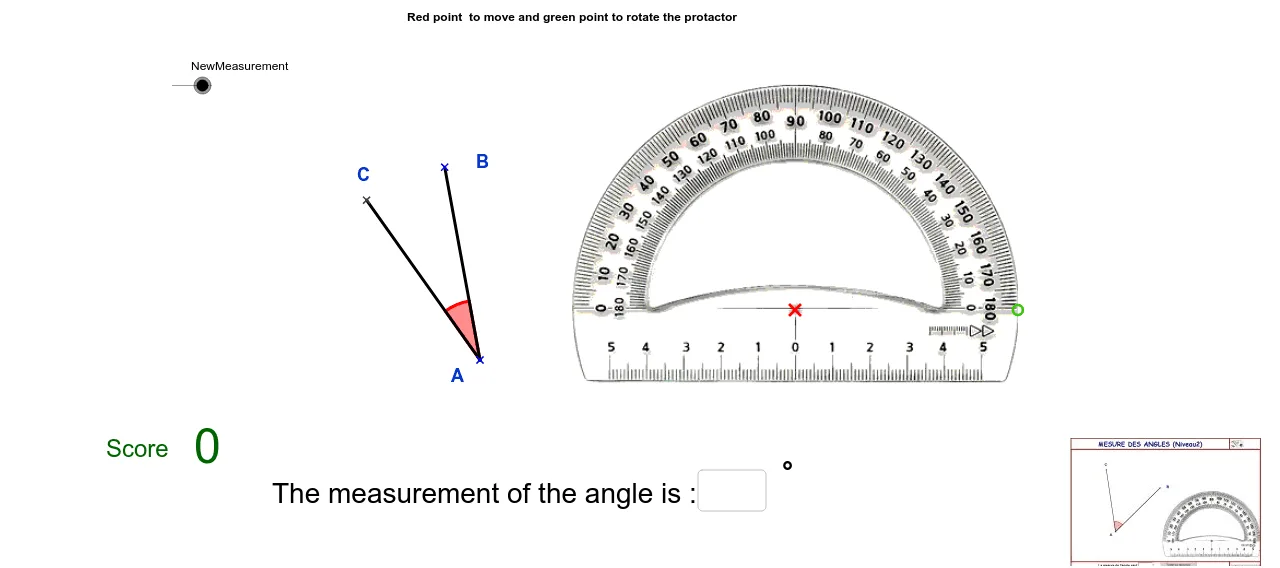
This example demonstrates how to measure an angle using a protractor. Key mathematical concepts include angle measurement. The construction uses GeoGebra commands such as Point, Segment, Mirror, Line, OrthogonalLine, Rotate, Intersect, Angle, Textfield, If, Text, etc. Suitable for middle school and above students to learn angle measurement.
GeoGebra Commands & Parameters
Point(Circle[CentreRapporteur, a]) → RotRapporteurSegment(CentreRapporteur, RotRapporteur) → zc1rMirror(RotRapporteur, CentreRapporteur) → Z1RLine(Z1R, RotRapporteur) → d1ROrthogonalLine(Z1R, d1R) → d2ROrthogonalLine(RotRapporteur, d1R) → d3RRotate(d1R, atan(f / a), CentreRapporteur) → d4RRotate(d1R, -atan(f / a), CentreRapporteur) → d5RIntersect(d5R, d3R) → Z2RIntersect(d4R, d2R) → Z3RRotate(B, ang°, A) → CAngle(B, A, C) → αSegment(B, A) → bSegment(C, A) → cTextfield(texte1) → ChampTexte1If(texte1 ≟ texte2, 1, 0) → dIf(texte1 ≟ "", 0, 1) → eIf(d ≟ 1, 1, 0) → addptText(score) → text1
AI Drawing Prompt Reference
Draw a coordinate system with an origin and x-axis. Plot a circle centered on the x-axis with radius a. Mark a point on the circle and connect it to the origin to form a line segment. Rotate this segment around the origin by atan(f/a) and -atan(f/a) to get two rays. Let these rays intersect with perpendicular lines to the x-axis, creating two intersection points. Connect these points to the origin to form two segments. Measure the angles between these segments and the x-axis, displaying the angle values next to the graph.
The prompt above was compiled from the original drawing commands and is for reference only.