
Maximize Area with Fixed Perimeter
Loading the math board and drawing, please wait…
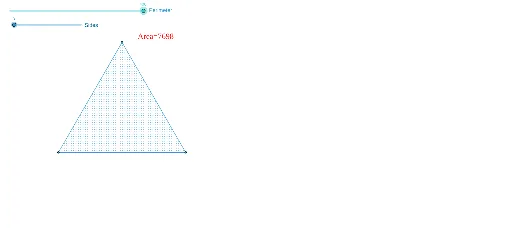
This example demonstrates how to maximize the area of shapes with a fixed perimeter, focusing on comparing equilateral triangles and other polygons. Key math concepts include perimeter, area, properties of equilateral triangles, Pythagorean theorem, and complex numbers. GeoGebra commands like Point, Segment, Polygon, and Perimeter are used to construct shapes and calculate areas. Suitable for high school mathematics teaching, exploring optimization problems and geometric constructions.
GeoGebra Commands & Parameters
Point(Circle[A, P / s]) → BSegment(A, B) → aPolygon(A, B, s) → poly1, c, j, k, l, m, n, p, q, r, t, b_1, a_1, c_1, d_1, e_1, f_1, g_1, h_1, i_1, j_1, k_1, l_1, b, m_1, C, D, E, F, G, H, I, J, K, d, L, M, N, O, Q, R, S, T, U, V, e, W, Z, A_1, B_1, C_1, D_1, E_1, F_1, G_1, f, g, h, iPerimeter(poly1) → perimeterpoly1
AI Drawing Prompt Reference
Draw an equilateral triangle and a square with the same perimeter. First, take a point P on a circle, then take a point C on the circle with center P and radius s. Connect point A and C to form segment a. Use points A, B, and s as vertices to draw an equilateral triangle poly1. Calculate the perimeter of the equilateral triangle poly1.
The prompt above was compiled from the original drawing commands and is for reference only.