
Matrix Determinant Calculator
Loading the math board and drawing, please wait…
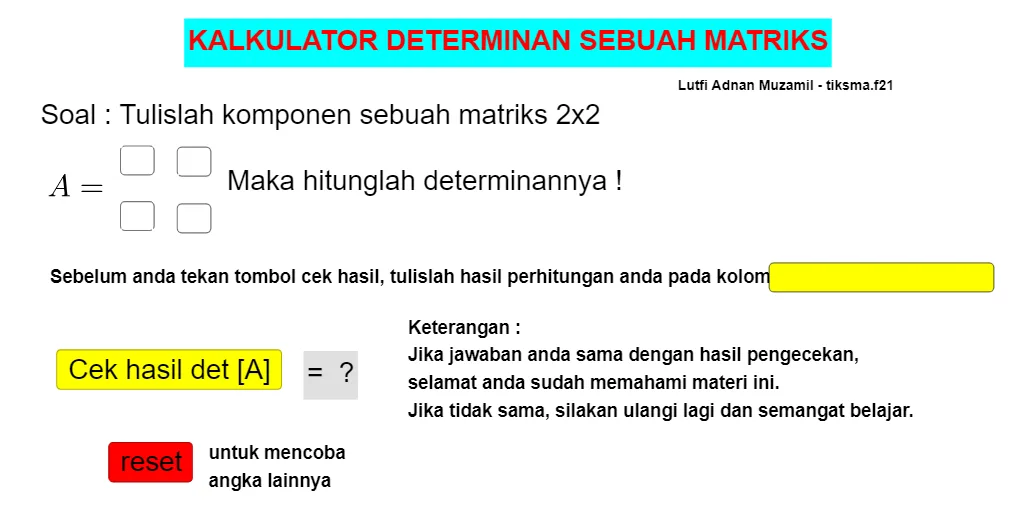
This example demonstrates how to calculate the determinant of a matrix using GeoGebra. Key mathematical concepts include determinants and matrices. The construction uses GeoGebra commands such as TextField, objects, InputBox, and Button. Suitable for high school and above students or teachers.
GeoGebra Commands & Parameters
Textfield(a) → InputBox1Textfield(b) → InputBox2Textfield(c) → InputBox3Textfield(d) → InputBox4Textfield() → hitungan
AI Drawing Prompt Reference
Create a simple interface for calculating a matrix determinant. Include four text input boxes labeled for the matrix entries a, b, c, and d. Add a separate output/display area that will show the result associated with the calculation (the “hitungan” field). Arrange inputs and the output in one layout so the user can enter a, b, c, and d and then obtain the determinant value in the result area.
The prompt above was compiled from the original drawing commands and is for reference only.