
Marginal Probability Calculator for Continuous Random Variables
Loading the math board and drawing, please wait…
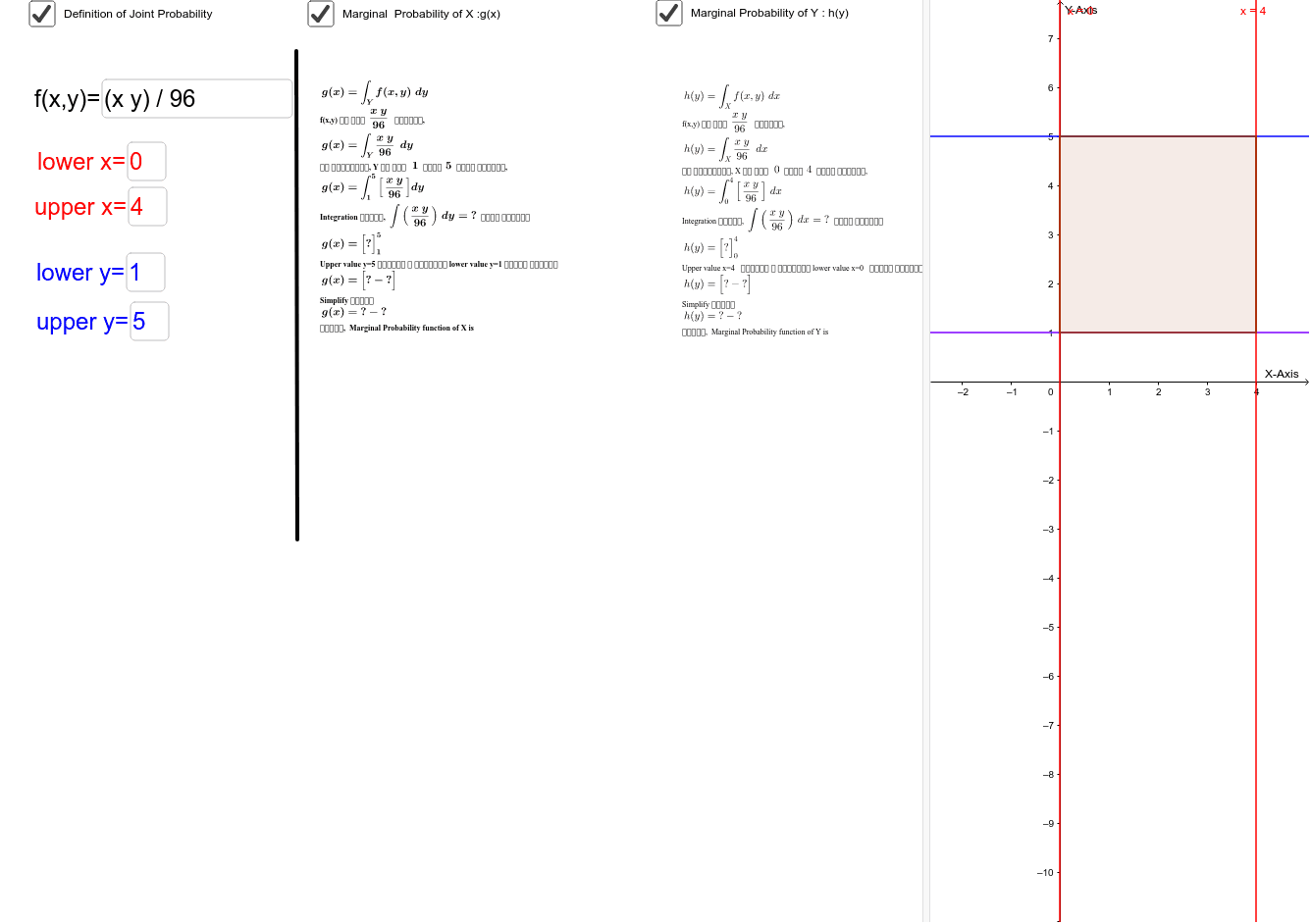
This GeoGebra worksheet demonstrates how to compute marginal probability functions from a joint probability density function of two continuous random variables X and Y. The core mathematical concept is the relationship between joint and marginal distributions, where integrating the joint density over one variable yields the marginal density of the other. The construction uses GeoGebra commands such as Integral for integration, Simplify for algebraic simplification, Textfield for user input of functions and limits, and objects like Intersect and Polygon to visualize the integration region. This tool is suitable for university-level probability and statistics courses, helping students intuitively grasp the process of marginal probability calculation through interactive exploration with custom functions.
GeoGebra Commands & Parameters
Simplify(Integral[f, y]) → fintysimplifyIntegral(f, y) → fintySimplify(gvalue) → gIntegral(g, xlower, xupper) → totalintegralyxTextfield(f) → inputBox2Textfield(upper) → inputBox3Textfield(lower) → inputBox4Textfield(xlower) → inputBox5Textfield(xupper) → inputBox6Integral(f, x) → fintxSimplify(Integral[f, x]) → fintxsimplifySimplify(f) → fsimplifySimplify(hvalue) → hIntegral(h, y) → hintySimplify(hintyvalue) → hintytotIntersect(upper, i, 1) → AIntersect(upper, j, 1) → BIntersect(lower, j, 1) → CIntersect(lower, i, 1) → DPolygon(A, D, C, B) → poly1, a_1, d, c, b_1Segment(E, F) → segmentIntegral(h, x) → hintxSimplify(Integral[g, x]) → gintxSimplify(gintxvalue) → gintxtot