
Magic Point 1: Moving a Point Between A and B with a Slider
Loading the math board and drawing, please wait…
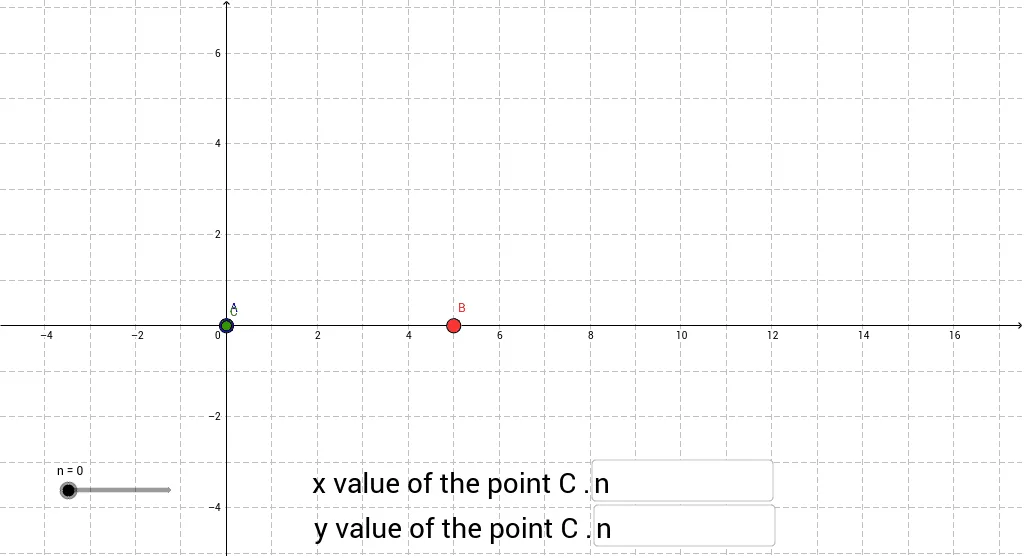
This example demonstrates how a point can slide dynamically between two fixed points A and B by adjusting its coordinate definitions via a slider. The core mathematics involve parametric representation of points on a line, linear interpolation, and conditional geometry. In GeoGebra the construction uses a Textfield and an If command to update the point’s coordinates in real time, involving objects such as A, B, slider n, inputBox1, inputBox2, and point C. It is suitable for middle‑school and high‑school students learning coordinate geometry and dynamic geometry concepts.
GeoGebra Commands & Parameters
Textfield(a) → inputBox1Textfield(b) → inputBox2If(b > 0, 0 * n + b, b) → c