
MA 616 General Parallelogram Tech Processing
Loading the math board and drawing, please wait…
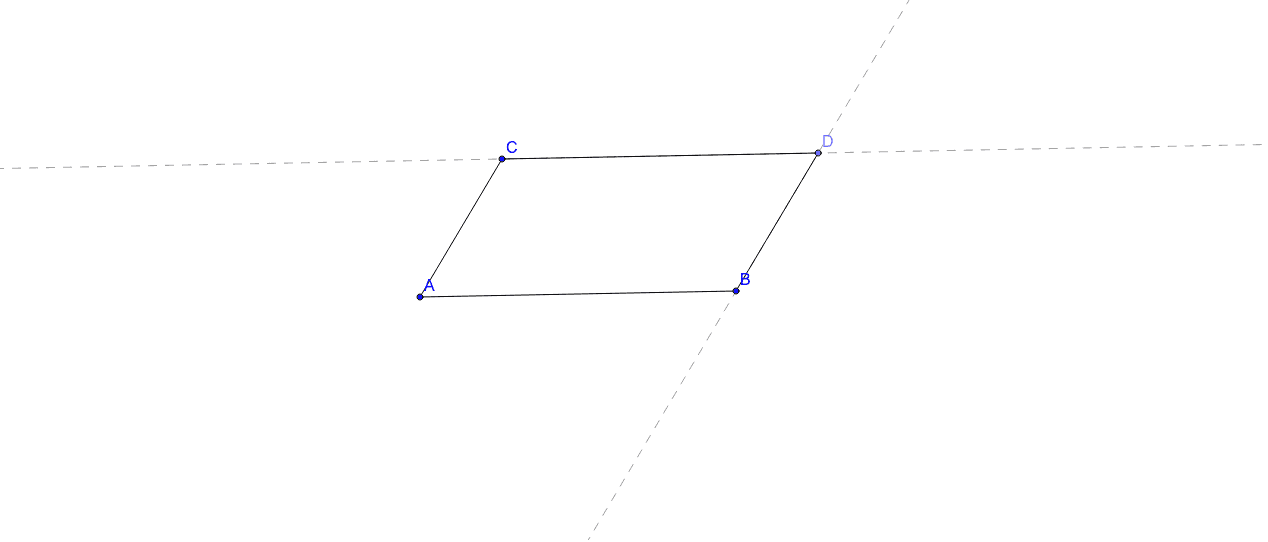
This example demonstrates how to use GeoGebra for processing the geometric properties and related calculations of a general parallelogram. It involves core mathematical concepts such as parallelogram, median value, Pythagorean theorem, linear regression, linear programming or optimization, and ellipse. Construction highlights include using GeoGebra commands like Segment (line), Line (line), and Point (point) to construct the parallelogram and its related elements. Suitable for university students in mathematics, engineering, or computer science for geometric modeling and data analysis teaching.
GeoGebra Commands & Parameters
Segment(A, B) → aLine(C, a) → bSegment(A, C) → cPoint(b) → DLine(D, c) → dSegment(C, D) → eSegment(B, D) → f
AI Drawing Prompt Reference
Draw a parallelogram by connecting two points to form one side, then draw a line parallel to this side from one end of the side to the other, connect the end of this parallel line to the starting point, draw another parallel line from this new side's ends, and finally connect the end of this second parallel line to the starting point to complete the parallelogram.
The prompt above was compiled from the original drawing commands and is for reference only.