
Love in Math Formulas: Drawing a Heart with Functions and Geometry
Loading the math board and drawing, please wait…
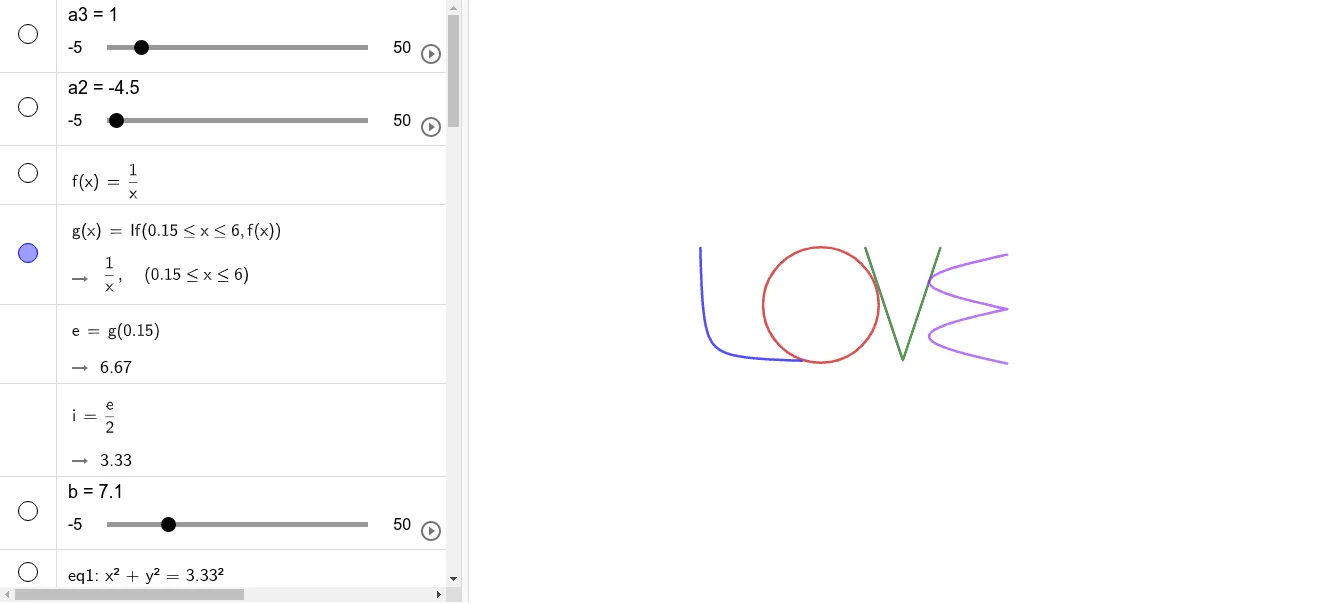
① This example demonstrates how to draw a classic heart shape using mathematical formulas and geometric transformations in GeoGebra, showcasing the beauty of mathematics. ② Core mathematical concepts include circles, conic sections, trigonometric functions, tangent lines, symmetry, linear equations, statistics/correlation, and optimization problems, integrating function graphing with geometric construction. ③ Construction highlights: using GeoGebra commands such as Translate, Intersect, Vector, and Mirror, along with numerous objects (a3, a2, f, g, e, i, b, eq1, c, d, h, j, k, q, A, l, B, m, p, eq2, r, eq3, a, s, t, n, u, t1, t2, f8, etc.) to build the heart outline through parametric equations and function combinations. ④ Suitable for middle school to university students, useful for exploring function graphs, geometric transformations, and mathematical modeling, and can serve as a math-art project or Valentine's Day teaching material.
GeoGebra Commands & Parameters
Translate(eq1, Vector[(b, c)]) → eq1'Translate(h, Vector[(b1, c1)]) → h1Intersect(h1, q, (9.667777777777777, 6.666666666666667)) → AIntersect(h1, q, (13.992222222222223, 6.666666666666667)) → BTranslate(eq2, Vector[(j, k)]) → eq3Vector((n, 0)) → uTranslate(t, u) → t1Mirror(t1, s) → t2Mirror(t1, f8) → t1_{1}Mirror(t2, f8) → t2'
AI Drawing Prompt Reference
Draw a heart shape using circles and trigonometric functions. Start by drawing a circle, then use translation and mirroring operations, along with trigonometric transformations, to gradually build the heart's outline. Pay attention to using geometric transformations like translation and plane mirroring to ensure the heart's symmetry and aesthetics.
The prompt above was compiled from the original drawing commands and is for reference only.