
Linear Relationships: Slope (Quiz)
Loading the math board and drawing, please wait…
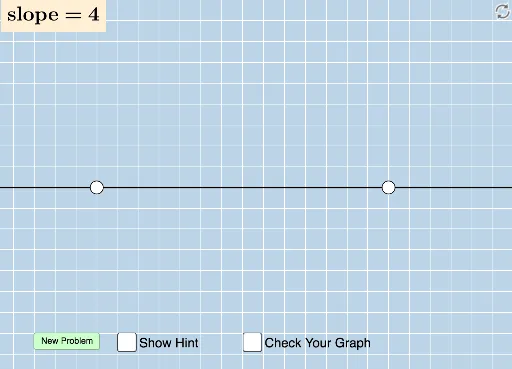
This example demonstrates how students can draw a line with a randomly generated slope on a blank grid. It involves core mathematical concepts such as linear functions and slope. Key construction elements include GeoGebra commands like Sequence, Union, Random, Line, FractionText, Intersect, Polygon, Vector, Angle, Distance and objects like a, b, c, d, m, e, f, A, B, g, button1, text1, text2, text4, h, i, C, poly1, b_1, a_1, c_1, u, v, α, j, k, distanceAC, distanceCB, l, n, text5, text3. Suitable for middle school and above, for teaching and practicing the concept of slope in linear functions.
GeoGebra Commands & Parameters
Sequence(i, i, -10, -1) → aSequence(i, i, -10, -1) → bSequence(i, i, 1, 10) → cUnion(b, c) → dRandom(-12, 12) → eLine(A, B) → gFractionText(Slope[f]) → text1FractionText(f(0)) → text2Intersect(h, i) → CPolygon(A, C, B) → poly1, b_1, a_1, c_1Vector(A, C) → uVector(C, B) → vAngle(B, C, A) → αDistance(A, C) → distanceACDistance(C, B) → distanceCB
AI Drawing Prompt Reference
Draw a line with a randomly generated slope on a coordinate grid ranging from -10 to 1, showing its linear function and slope. The line passes through two randomly generated points, with the slope and y-intercept labeled. Connect the line to the axes using a polygon and calculate the distances of the two segments to demonstrate key geometric relationships.
The prompt above was compiled from the original drawing commands and is for reference only.