
Linear Equations & Points
Loading the math board and drawing, please wait…
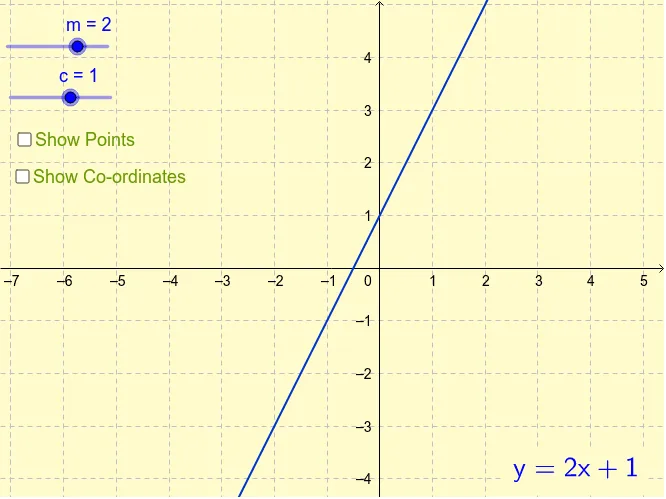
This example visually demonstrates how points on a line are solutions to a linear equation. Core math concepts include linear equations, coordinate geometry, and equation solving. It is constructed using GeoGebra's Intersect command and LaTeX for formula display, with parameters like m, c, and objects A1-A11. Suitable for middle school and above students learning linear equations and analytical geometry, or for classroom demonstrations.
GeoGebra Commands & Parameters
Intersect(a, yAxis) → CLaTeX(a) → text1
AI Drawing Prompt Reference
Draw a straight line on a coordinate plane with both axes visible. The line should intersect the y-axis at a clearly marked point, representing a solution to the linear equation. Display the equation of the line in standard form near the line. The graph should emphasize the relationship between the line and its y-intercept, with the intersection point highlighted.
The prompt above was compiled from the original drawing commands and is for reference only.