
Dilations of a Polygon: Interactive Geometric Transformation
Loading the math board and drawing, please wait…
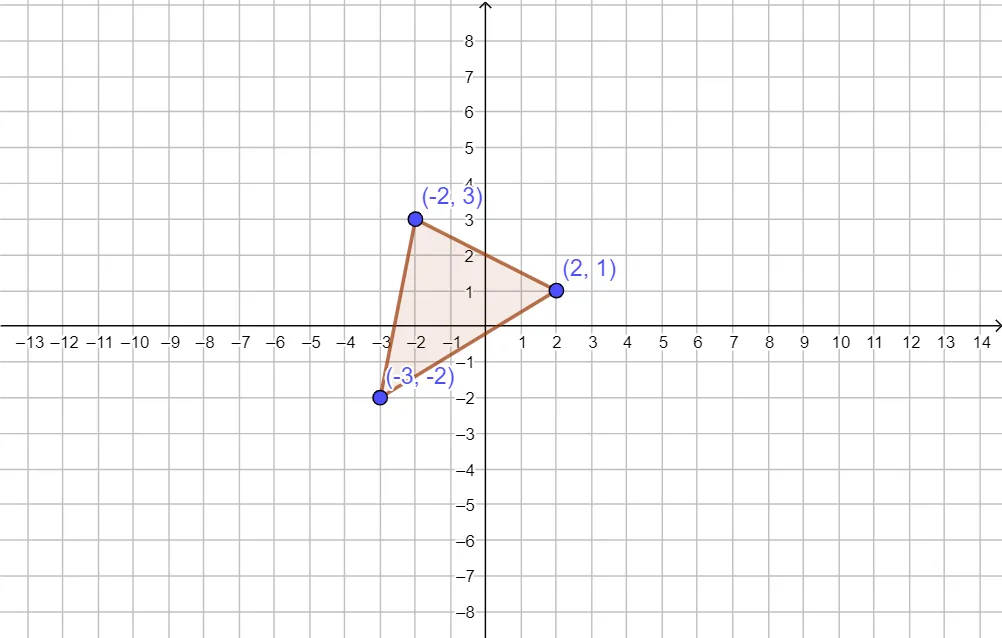
① This interactive GeoGebra example demonstrates the dilation (scaling) of a triangle in the plane, showing how a polygon enlarges or shrinks relative to a fixed center. ② Core mathematical concepts include dilation center, scale factor, similarity, and collinearity of corresponding points, linking geometric transformation with proportional reasoning. ③ Construction highlights: using the Polygon command to define triangle ABC, with a slider or point controlling the scale factor; objects include vertices A, B, C, parameter t1, and sides c, a, b, allowing dynamic comparison between original and transformed shapes. ④ Suitable for middle school to high school students learning geometric transformations, and useful for teachers to visually explain dilation properties and coordinate changes in class.
GeoGebra Commands & Parameters
Polygon(A, B, C) → t1, c, a, b
AI Drawing Prompt Reference
Draw a triangle ABC and perform a scaling transformation around a fixed point, using a slider to control the scale factor. First, draw the three vertices of triangle ABC, then use the slider t1 to control the scale factor and observe the changes in the original and transformed triangle.
The prompt above was compiled from the original drawing commands and is for reference only.