
Dilations with Video – Interactive Geometry Example
Loading the math board and drawing, please wait…
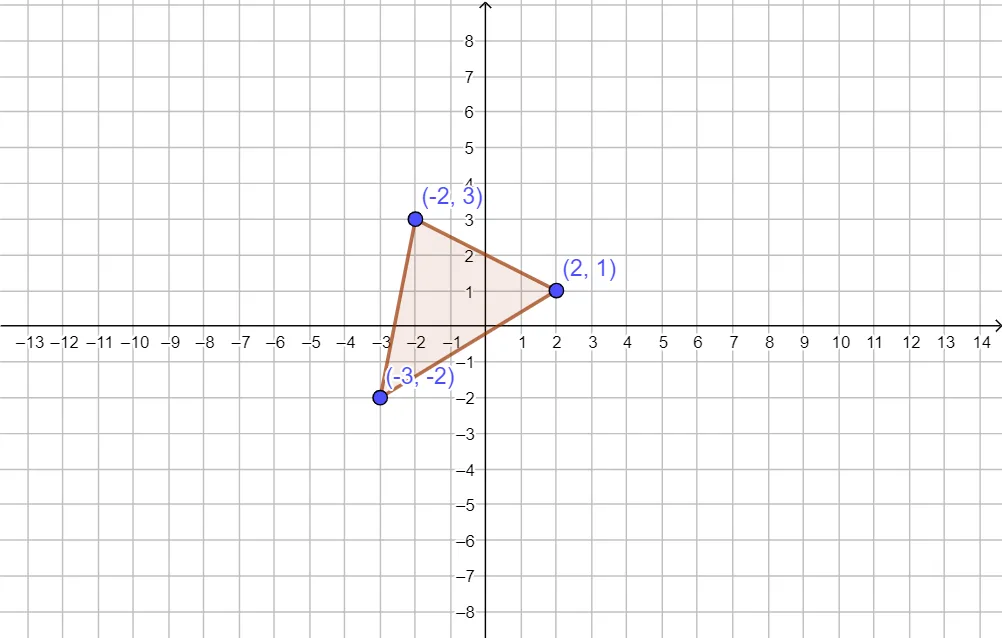
① This example demonstrates a dilation transformation on a polygon, showing how a figure enlarges or shrinks proportionally from a center. ② Core mathematical concepts include similarity, scale factor, and coordinate scaling of vertices, preserving shape while changing size. ③ Construction highlights: using GeoGebra's Polygon command to create triangle ABC, with sliders or parameters controlling the dilation center and scale factor; objects include A, B, C, t1 (likely the dilated triangle), c (center or auxiliary circle), and a, b (side lengths or scale parameters). ④ Suitable for middle school to high school students learning geometric transformations, and useful for teachers presenting with video explanations to connect dilation with similarity.
GeoGebra Commands & Parameters
Polygon(A, B, C) → t1, c, a, b
AI Drawing Prompt Reference
Draw a geometric figure showing a triangle and its dilation transformation. Display an original triangle that is scaled proportionally from a fixed center point to create a similar triangle. Use sliders to control the scale factor, demonstrating enlargement when the factor exceeds one and reduction when it is less than one. Include auxiliary circles or lines radiating from the center to the vertices to visually show how angles remain unchanged while side lengths scale proportionally in the similarity transformation.
The prompt above was compiled from the original drawing commands and is for reference only.