
Linear Equations and Quantities - A Full Lesson
Loading the math board and drawing, please wait…
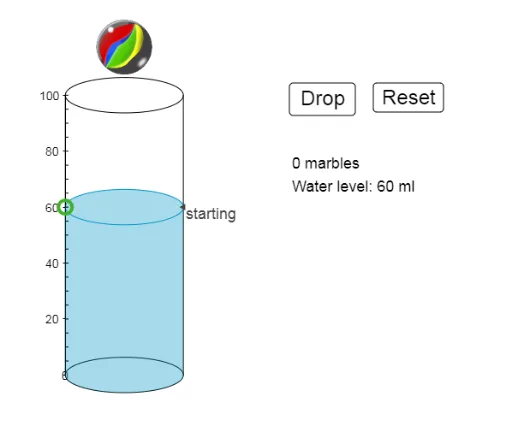
This example demonstrates the concepts of linear equations and quantities, involving core math concepts such as linear equations, slope difference, and similarity transformation. Using GeoGebra commands like Max, Midpoint, Translate, Segment, etc., for geometric construction, it helps students understand the graphs and properties of linear equations. Suitable for middle school and above students.
GeoGebra Commands & Parameters
Max(1, ceil(N / NS)) → rowsMidpoint(A, B) → ITranslate(c, Vector[A, E]) → c'Segment(A, E) → iJoin(Sequence[Sequence[(GR - (NS * SR), 0) + (i * ((2 * SR), 0)) + (j * (0, d)), i, 0, NS - 1], j, 0, rows]) → list1Segment(B, D) → jTranslate(c, (0, WH)) → c'_1Textfield(GH) → InputBox1Textfield(GR) → InputBox2Textfield(SR) → InputBox3Sequence(Translate[pic2, Vector[F, A + Element[list1, i]]], i, 1, N - 1) → list2Translate(pic2, Vector[F, F']) → pic2'Sequence(Segment[(0.25, i), (1, i)], i, 5, 100, 5) → list3Sequence(Text[i, (-10, i - 2)], i, 10, 100, 10) → list4Polygon(O, P, R, Q) → poly1, o, p, r, qPolygon(R, S, T, U) → poly2, r_1, s_1, t_1, u