
Linear Equation Worksheet-2
Loading the math board and drawing, please wait…
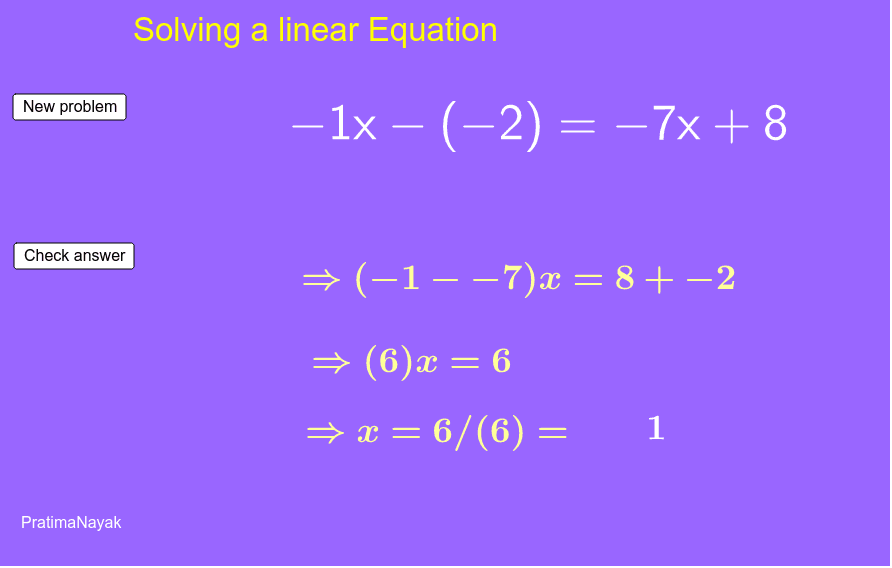
This applet is designed for remedial teaching in Class VI & VII CBSE Secondary mathematics. It demonstrates interactive methods for solving linear equations. Key math concepts involved include equation solving, variable manipulation, and mathematical visualization. The construction utilizes GeoGebra commands like RandomElement, LaTeX, and FractionText, along with objects such as buttons, text boxes, and sliders. Suitable for classroom instruction or homework practice to enhance students' understanding of linear equation solutions.
GeoGebra Commands & Parameters
RandomElement({1, 2, 3, 4, 5, 6, 7, 8, 9}) → dRandomElement({-2, -3, 4, 5, 7, 8, 9}) → bRandomElement({1, 2, 3, 5, 7, 13, 19, -7, -9}) → cRandomElement({-2, -1, 7, 6, 9, 11}) → aRandomElement({5, 7, 11}) → eRandomElement({1, 2, 3, 4}) → d_1RandomElement({-2, -1, 7, 6}) → a_1RandomElement({-2, -3, 4, 5}) → b_1RandomElement({1, 2, 3, 5, 7}) → c_1RandomElement({5, 7, 11}) → e_1RandomElement({1, 2, 3, 4}) → d_2RandomElement({-2, -1, 7, 6}) → a_2RandomElement({-2, -3, 4, 5}) → b_2RandomElement({1, 2, 3, 5, 7}) → c_2RandomElement({5, 7, 11}) → e_2RandomElement({1, 2, 3, 4}) → d_3RandomElement({-2, -1, 7, 6}) → a_3RandomElement({-2, -3, 4, 5}) → b_3RandomElement({1, 2, 3, 5, 7}) → c_3RandomElement({5, 7, 11}) → e_3LaTeX(p, true, true) → text3LaTeX(q, true, true) → text6FractionText(p / q) → k
AI Drawing Prompt Reference
Create an interactive graph showing multiple linear functions with randomly generated parameters, controlled by sliders to demonstrate dynamic changes in function graphs. Include text annotations for the equations and fractional solutions, with buttons to generate new random equations. The design should visually represent the solution methods of linear equations for educational purposes.
The prompt above was compiled from the original drawing commands and is for reference only.