
Line Segments, Rays, and Lines
Loading the math board and drawing, please wait…
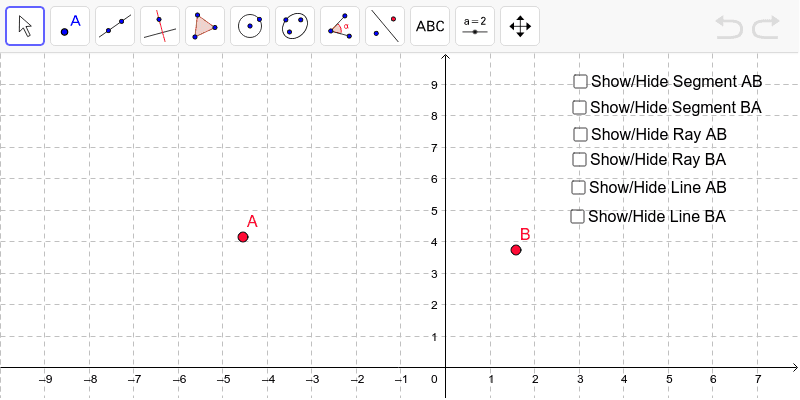
This example demonstrates the basic concepts of line segments, rays, and lines, and their construction methods. Key mathematical concepts include line segments, rays, and lines. Using GeoGebra commands such as Segment, Ray, Point, Vector, and Line, it provides a visual representation of these geometric objects. Suitable for students at the junior high school level and above for learning geometric construction.
GeoGebra Commands & Parameters
Segment(A, B) → aRay(A, B) → bRay(B, A) → cPoint(b) → CVector(B, C) → uPoint(c) → DVector(A, D) → vLine(A, B) → hSegment(A, B) → kVector(B, C) → wVector(A, D) → zLine(D, C) → iVector(B, D) → lVector(A, C) → m
AI Drawing Prompt Reference
Draw a horizontal line with two endpoints. Connect these endpoints to form a line segment. From each endpoint, extend a ray in opposite directions. Pick a point on one ray and draw a vector from the other endpoint to that point. Pick another point on the second ray and draw a vector from the first endpoint to that point. Then connect these two new points with a straight line. Finally, draw vectors from each endpoint to the point on the opposite ray, and also from each endpoint to the point on its own ray. The final figure shows a line, a segment, two rays, several points, and multiple vector arrows, illustrating the differences among these geometric objects.
The prompt above was compiled from the original drawing commands and is for reference only.