
Line Segment Slope Demo
Loading the math board and drawing, please wait…
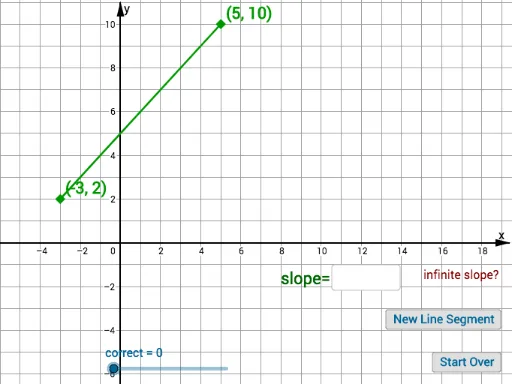
This example demonstrates how to draw a line segment and calculate its slope using GeoGebra. It involves core math concepts like line segments, geometry, indefinite integrals, division, exponential functions, and triangles. Construction highlights include commands like Random, Segment, Midpoint, and Textfield. Suitable for middle school and above students learning slope calculation methods.
GeoGebra Commands & Parameters
Random(-2, 10) → cRandom(-2, 10) → dRandom(-3, 10) → bRandom(-3, 10) → aSegment(A, B) → fMidpoint(B, A) → CTextfield(empty) → InputBox1
AI Drawing Prompt Reference
Draw a line segment with randomly placed endpoints, mark its midpoint, and add a text box for input data, showcasing the geometric construction and coordinate geometry relationship of the segment.
The prompt above was compiled from the original drawing commands and is for reference only.