
Line Reflection
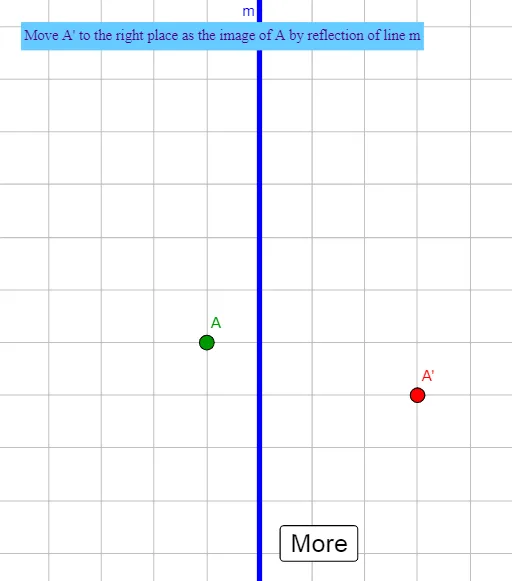
Loading the math board and drawing, please wait…
This example demonstrates the reflection of points and line segments across a line, involving core concepts like reflection symmetry, geometric transformations, and angle calculations. It utilizes commands such as RandomElement, Rotate, Line, Mirror, Segment, Intersect, and Angle in GeoGebra for construction. Suitable for middle school and above students learning geometric transformations and spatial reasoning.
GeoGebra Commands & Parameters
RandomElement({0, 45, 90, 315}) → iRotate(F, i°, G) → F'Random(-4, 4) → aRandom(-4, 4) → bLine(F', G) → mMirror(A, m) → BSegment(B, A) → fIntersect(f, m) → ESegment(B, E) → gSegment(A, E) → hRotate(A, 90°, E) → A'_{1}Angle(A, E, A'_{1}) → α
AI Drawing Prompt Reference
Draw a line m, then randomly select two points A and G on m, and rotate A clockwise around G by 0°, 45°, 90°, or 315° to get point F. Draw line m through F and G. Reflect A over m to get point B, and draw line segment AB. Find the intersection point E of line segment AB and line m, and draw line segments BE and AE. Finally, rotate A counterclockwise around E by 90° to get point A', and measure the angle ∠AEB.
The prompt above was compiled from the original drawing commands and is for reference only.