
LEGO Rectangle or Parallelogram
Loading the math board and drawing, please wait…
In collections
LEGO MINDSTORMS robotics
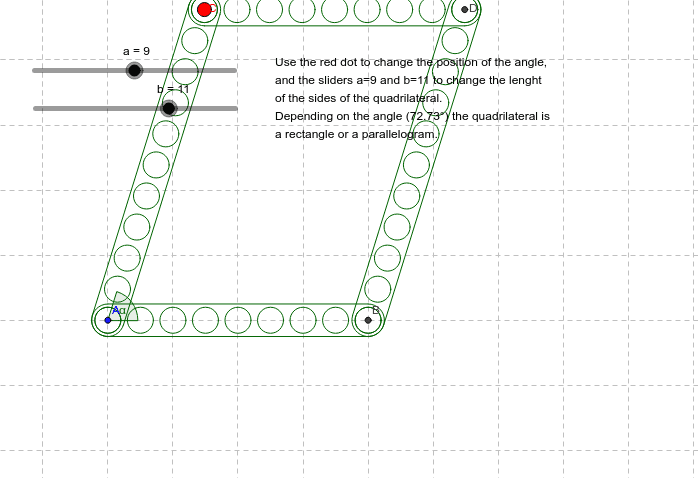
This example demonstrates how to construct rectangles and parallelograms using GeoGebra. Key mathematical concepts include geometric construction, angles, and segments. By using commands like Point, Angle, and Segment, users can dynamically adjust the size and angles of the shapes. Suitable for middle and high school students learning geometry and construction.
GeoGebra Commands & Parameters
Point(Circle[A, abs(b - 1)]) → CAngle(B, A, C) → αSegment(A, C) → b_1Sequence(Circle[A_1 + Rotate[(i, 0), α_1], 0.4], i, 0, a_1 - 1) → holes_1Sequence(Circle[A_2 + Rotate[(i, 0), α_2], 0.4], i, 0, a_2 - 1) → holes_2Sequence(Circle[A_3 + Rotate[(i, 0), α_3], 0.4], i, 0, a_3 - 1) → holes_3Sequence(Circle[A_4 + Rotate[(i, 0), α_4], 0.4], i, 0, a_4 - 1) → holes_4