
Kayla Flyte - Rhombus, Square, Trapezoid
Loading the math board and drawing, please wait…
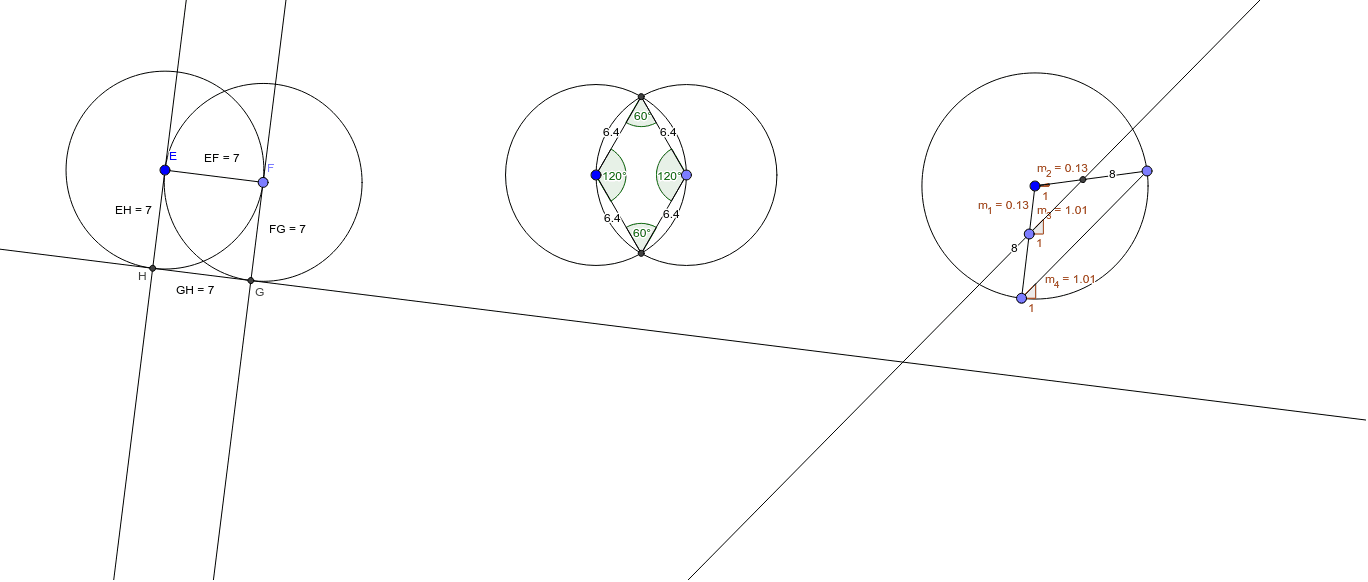
This GeoGebra example demonstrates the geometric properties of a rhombus, square, and trapezoid. It involves key mathematical concepts such as polygons, angles, and vectors. By using commands like Circle, Point, Intersect, Segment, Angle, OrthogonalLine, Distance, Line, and Slope, users can visually understand the construction of these shapes. Suitable for middle and high school students learning geometric construction and related concepts.
GeoGebra Commands & Parameters
Circle(A, 6.4) → cPoint(c) → BCircle(B, 6.4) → dIntersect(c, d, 2) → CIntersect(c, d, 1) → DSegment(D, A) → aSegment(A, C) → bSegment(B, C) → eSegment(D, B) → fAngle(A, D, B) → αAngle(B, C, A) → βAngle(C, A, D) → γAngle(D, B, C) → δCircle(E, 7) → gPoint(g) → FCircle(F, 7) → hSegment(E, F) → iOrthogonalLine(E, i) → jOrthogonalLine(F, i) → kIntersect(h, k, 1) → GIntersect(g, j, 1) → HOrthogonalLine(G, k) → lDistance(E, H) → distanceEHDistance(F, G) → distanceFGDistance(G, H) → distanceGHDistance(E, F) → distanceEFCircle(I, 8) → pPoint(p) → JPoint(p) → KSegment(J, K) → mSegment(I, K) → nSegment(I, J) → qPoint(q) → LLine(L, m) → rIntersect(r, n) → MSlope(n) → m_1Slope(n) → m_2Slope(r) → m_3Slope(m) → m_4