
Joining Regular Tetrahedron & Right Square Pyramid
Loading the math board and drawing, please wait…
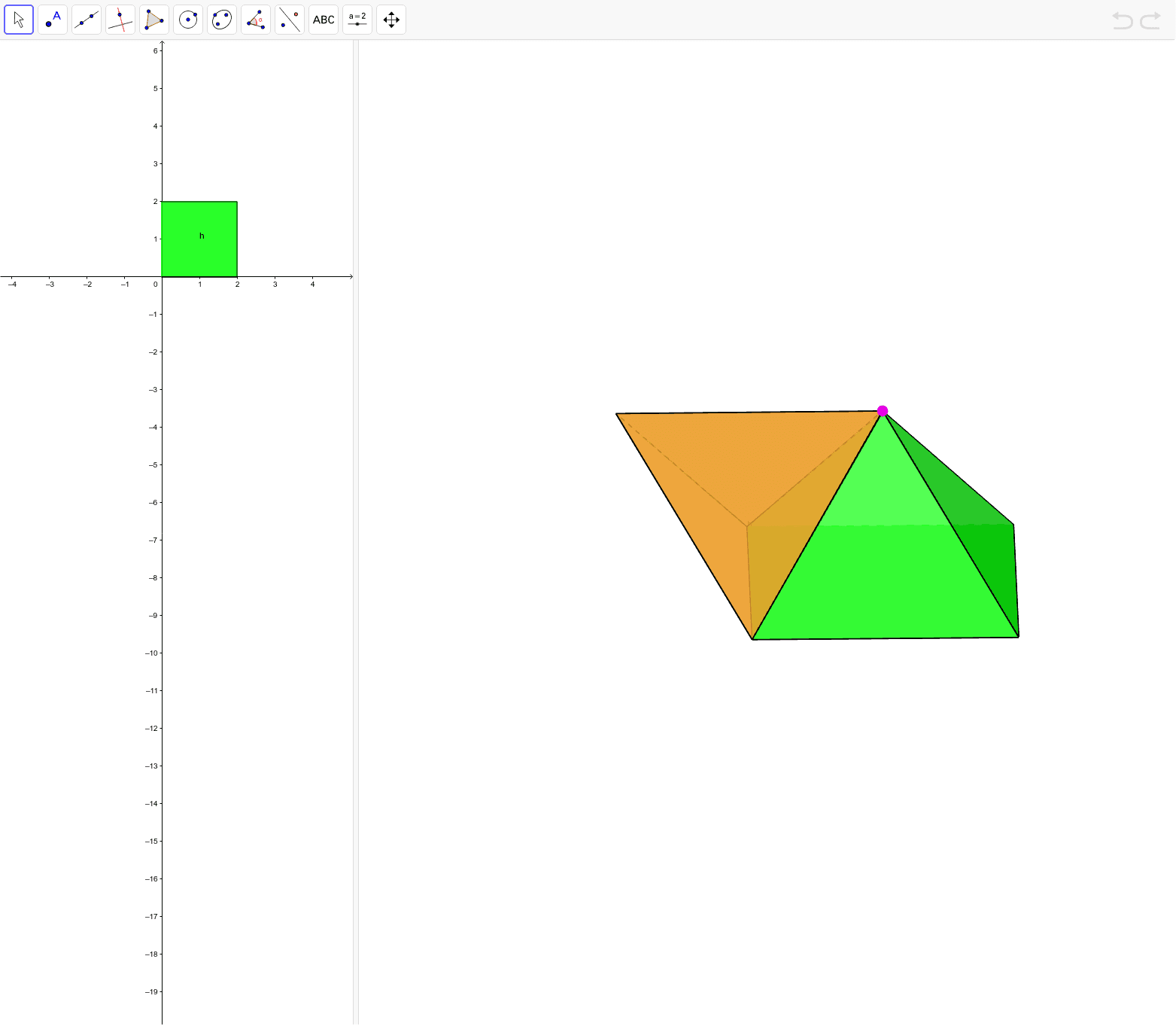
This example demonstrates the construction of joining a regular tetrahedron with a right square pyramid. It involves core mathematical concepts such as polygons, solid geometry, vectors, and three-dimensional space. The construction utilizes GeoGebra commands and objects like Polygon, Pyramid, Point, Tetrahedron, Circle, OrthogonalPlane, Intersect, OrthogonalLine, and PolyLine as outlined in the construction summary. It is suitable for high school and above students studying solid geometry, vectors, and spatial geometry, as well as for mathematical teaching demonstrations.
GeoGebra Commands & Parameters
Polygon((0, 0, 0), (2, 0, 0), 4, xOyPlane) → poly1Pyramid(poly1, E) → b, face1, face3, face4, face2, edge1, edge2, edge3, edge4Point(Circle[Midpoint[(2, 0, 0), (0, 0, 0)], (Distance[(2, 0, 0), (0, 0, 0)] * sqrt(3) / 2), Segment[(2, 0, 0), (0, 0, 0)]]) → ATetrahedron((2, 0, 0), (0, 0, 0), A) → a, B, edgeAB, edge9, face5, face7, face6, face8, edge6, edge5, edge8, edge7Circle(xAxis, E) → cPoint(c) → COrthogonalPlane(A, xAxis) → dIntersect(xAxis, d) → DOrthogonalLine(C, d) → eCircle(C, 2, e) → fIntersect(c, f, 1) → FTetrahedron((2, 0, 0), (0, 0, 0), F) → g, G, edge14, edge15, face9, face10, face11, face12, edge10, edge11, edge12, edge13PolyLine((0, 0, 0), (2, 0, 0), (2, 2, 0), (0, 2, 0)) → h