
Investigating Perpendicular Vectors
Loading the math board and drawing, please wait…
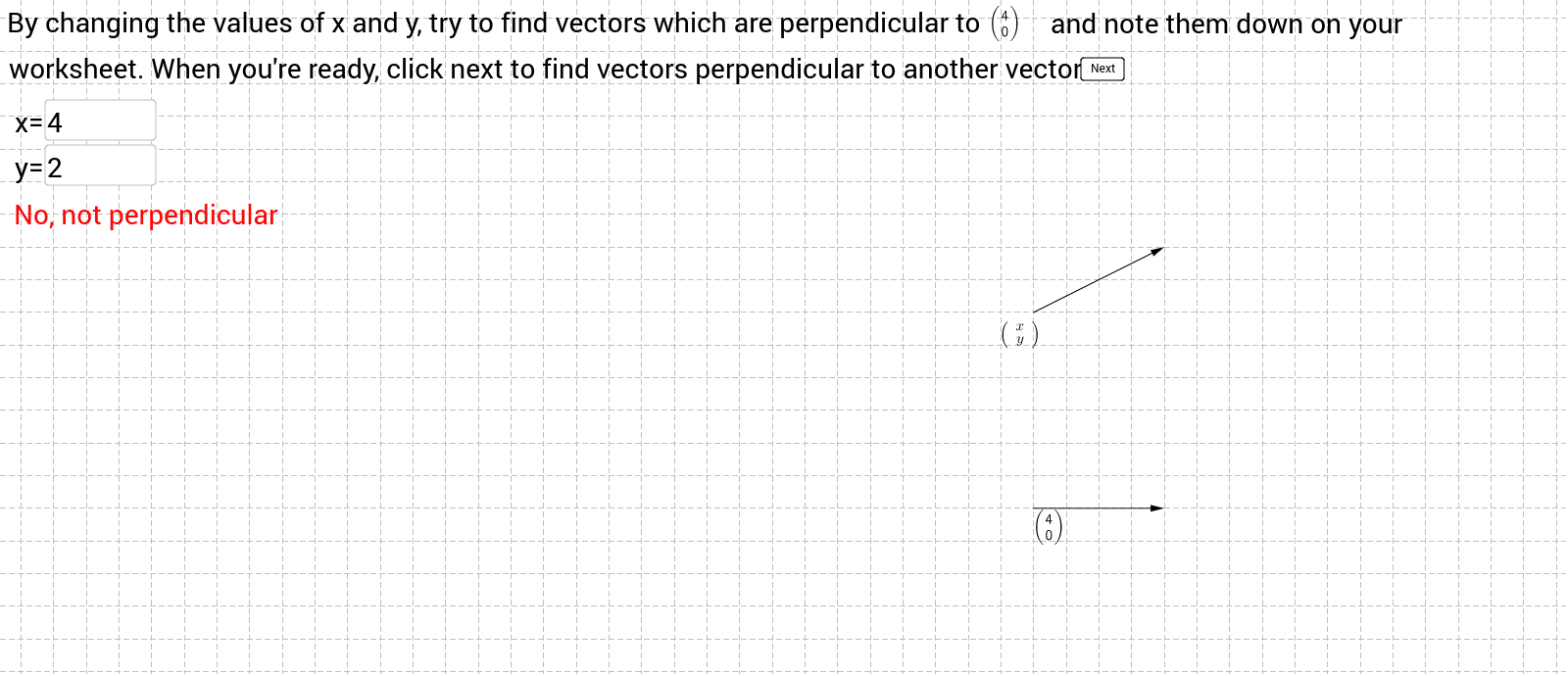
This example demonstrates how students can explore the numerical reasons why two vectors are perpendicular, involving concepts like vector dot product, perpendicularity conditions, and analytical geometry. It uses GeoGebra commands and objects such as If, Intersect, Vector, LaTeX, and Textfield. Suitable for high school mathematics students to understand vector properties and geometric applications.
GeoGebra Commands & Parameters
If(xx ≟ 0, If[yy ≟ 0, 0, 1], 1) → zIntersect(xAxis, yAxis) → AIf(t ≟ 0, 4, If[t ≟ 1, 2, If[t ≟ 2, 3, If[t ≟ 3, -1, If[t ≟ 4, -2, Random[-5, 5]]]]]) → aIf(t ≟ 0, 0, If[t ≟ 1, 2, If[t ≟ 2, 1, If[t ≟ 3, 1, If[t ≟ 4, -3, Random[-5, 5]]]]]) → bVector(A, E) → uLaTeX(u) → text1LaTeX(u) → text3Textfield(xx) → inputBox1Textfield(yy) → inputBox2Vector(C, D) → wIf(z ≟ 0, 1, If[xx * x(u) ≠ -yy * y(u), If[t ≠ 5, If[c ≟ 0, 1, 0], 0], 0]) → test2If(t ≥ 5, If[c ≟ 0, 1, 0], 0) → test1If(z ≟ 1, If[xx * x(u) ≟ -yy * y(u), If[t ≠ 5, If[c ≟ 0, 1, 0], 0], 0], 0) → test3If(t ≠ 5, If[c ≟ 0, 1, 0], 0) → test4Textfield(yyy) → inputBox3If(s ≟ 0, If[c ≟ 1, If[m ≟ 1, If[yyy ≟ 0, 1, 0], 0], 0], 0) → Testing1If(s ≟ 0, If[c ≟ 1, If[m ≟ 1, If[yyy ≠ 0, 1, 0], 0], 0], 0) → Testing2If(s ≟ 0, If[c ≟ 1, 1, 0], 0) → Testing3If(s ≟ 1, 1, 0) → Final1Textfield(xxx) → inputBox4If(s ≟ 1, If[n ≟ 1, If[xxx ≠ 9, 1, 0], 0], 0) → Final2If(s ≟ 1, If[n ≟ 1, If[xxx ≟ 9, 1, 0], 0], 0) → Final3If(s ≟ 2, If[l ≟ 1, If[xxxx ≠ 0, If[3 * xxxx - 4 * yyyy ≟ 0, 1, 0], 0], 0], 0) → FFinal3If(s ≟ 2, 1, 0) → FFinal1If(s ≟ 2, If[l ≟ 1, If[3 * xxxx - 4 * yyyy ≠ 0, 1, 0], 0], 0) → FFInal2Textfield(yyyy) → inputBox5Textfield(xxxx) → inputBox4_1
AI Drawing Prompt Reference
Draw a coordinate system with x and y axes intersecting at a point. Generate two random vectors and calculate their dot product. Determine if the vectors are perpendicular based on the dot product, display the coordinates of the vectors and whether they are perpendicular, and add input boxes for users to enter values to verify the condition for vector perpendicularity.
The prompt above was compiled from the original drawing commands and is for reference only.