
Introduction to Area: Visualizing Area with Polygons and Sequences
Loading the math board and drawing, please wait…
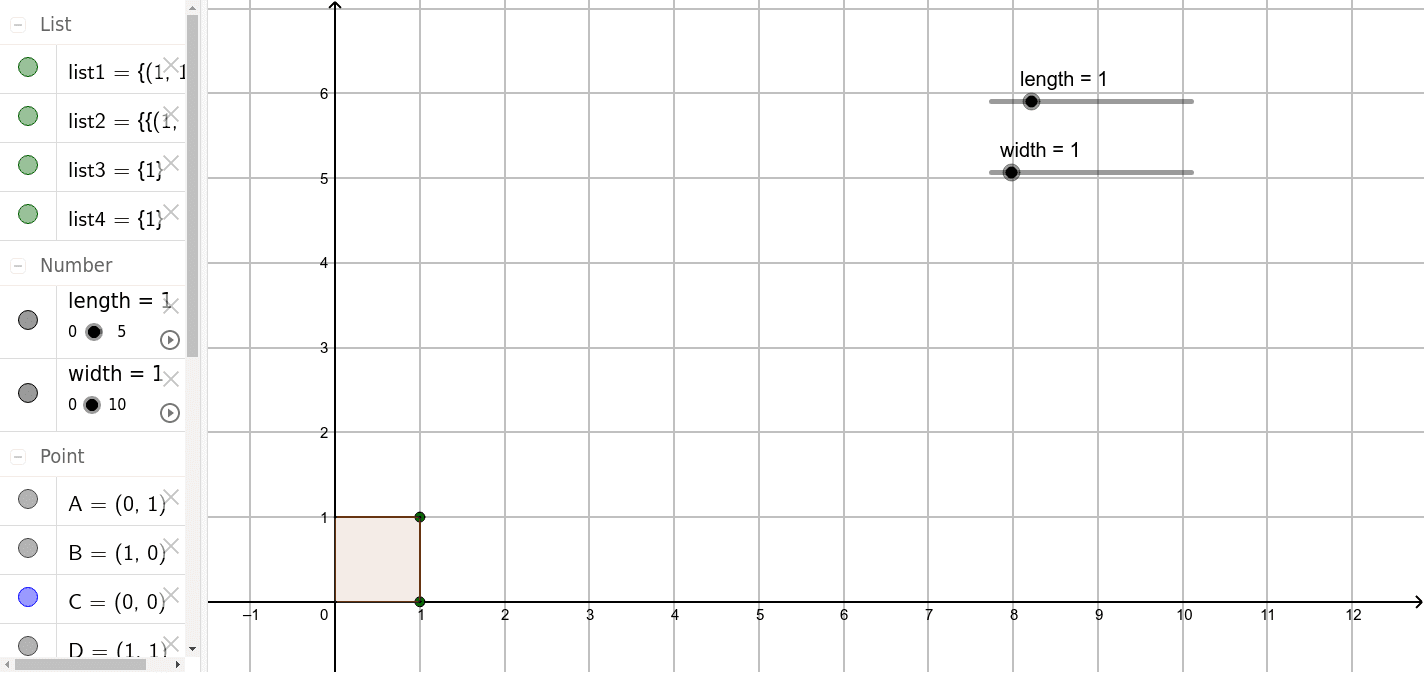
① This example demonstrates the concept of area by constructing a rectangular grid composed of multiple small polygons, allowing learners to intuitively grasp how area is measured through partitioning and counting. ② Core mathematical concepts include the definition of area, calculation of polygon areas, generation of sequences and series, and the application of real and natural numbers in geometric contexts. ③ Construction highlights: using GeoGebra commands such as Segment to create rectangle edges, Sequence to generate equally spaced points or segments, and Polygon to build multiple small polygons (e.g., poly1), with lists (list1 to list4) managing these objects, while parameters like length and width control the overall dimensions. ④ Suitable for upper elementary to middle school students as an introductory lesson on area, also useful for high school review of area-sequence relationships, or as a visual precursor to the partition-and-sum idea in calculus.
GeoGebra Commands & Parameters
Segment(A, D) → fSegment(D, B) → gSegment(B, C) → hSegment(C, A) → iSequence((i, length), i, 1, width) → list1Sequence(Sequence[(k, length - i), i, 1, length], k, 1, width) → list2Sequence(Segment[(i, 0), (i, length)], i, 1, width) → list3Sequence(Segment[(0, i), (width, i)], i, 1, length) → list4Polygon((0, 0), (width, 0), (width, length), (0, length)) → poly1, j, k, l, m
AI Drawing Prompt Reference
Draw a rectangular grid made up of multiple small polygons. First, draw the four sides of the rectangle, then use sliders to control the length and width. Next, use the sequence command to generate evenly spaced points and segments inside the rectangle, forming multiple small polygons. Finally, construct these polygons to create the entire rectangular grid.
The prompt above was compiled from the original drawing commands and is for reference only.