
Intersection of a Cone and Planes
Loading the math board and drawing, please wait…
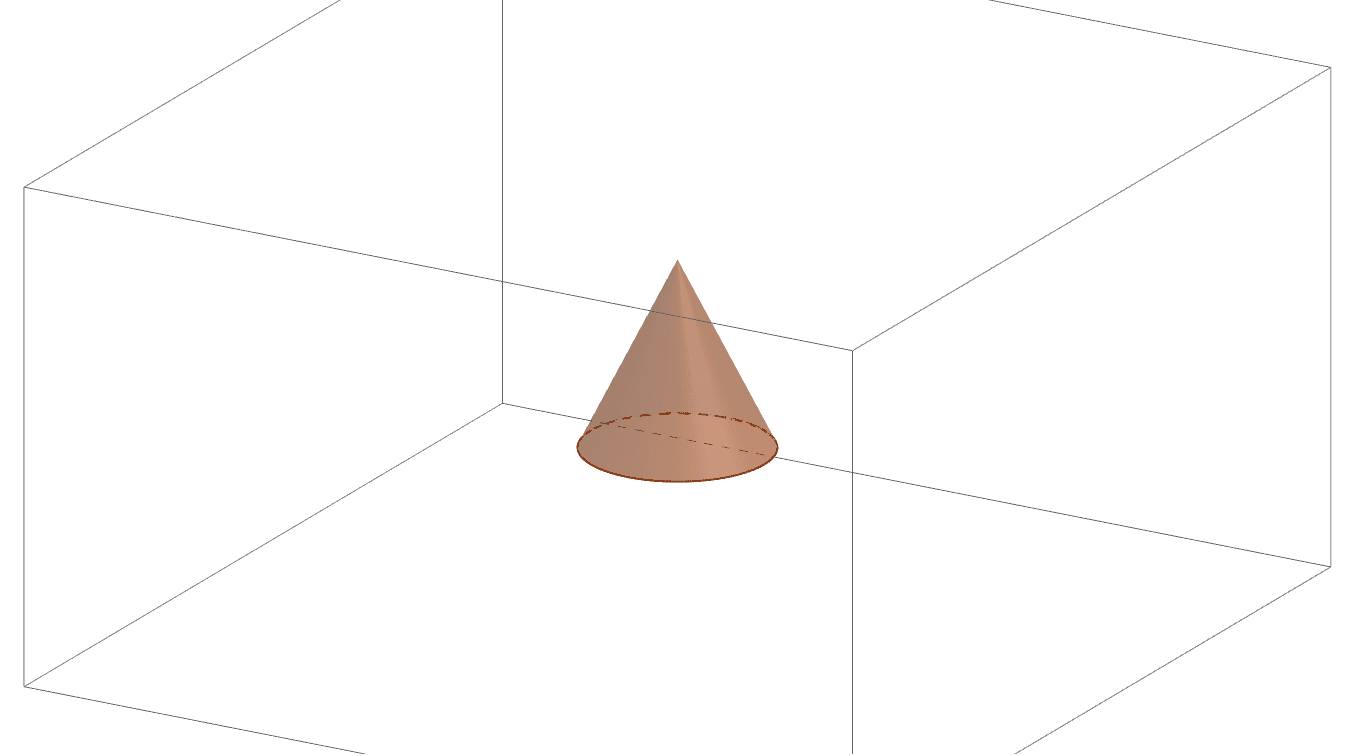
This GeoGebra example demonstrates how to construct a cone in 3D space and compute its intersections with planes or lines using the Cone and Intersect commands. It visually explores the geometric shapes formed when a plane cuts through a cone, such as circles, ellipses, parabolas, or hyperbolas, depending on the plane's orientation. The core mathematical concepts include solid geometry (cone), plane-surface intersection, and spatial analytic geometry involving points, lines, and planes. The construction uses Point commands to define key points A and B, the Cone command to generate the cone based on these points, and the Intersect command to find intersection points between the cone and planes represented by objects a, c, and b. This example is suitable for high school or early college students learning solid geometry, spatial vectors, and analytic geometry. It also serves as an interactive teaching tool for demonstrating conic sections and their properties. By adjusting the plane parameters, learners can observe how different cross-sections emerge, deepening their understanding of spatial relationships.
GeoGebra Commands & Parameters
Intersect(zAxis, xOyPlane) → APoint(zAxis) → BCone(A, B, 2) → a, c, b