
Interactive Perimeter Practice with Random Numbers and Calculus Intro
Loading the math board and drawing, please wait…
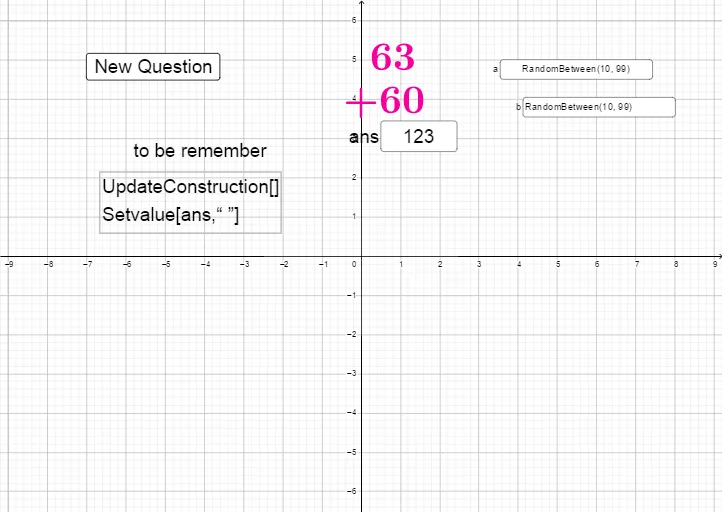
This GeoGebra example creates an interactive math exercise environment that demonstrates random number generation, numeric input, and perimeter calculation, while integrating foundational concepts of functions and calculus. The core mathematical concepts include addition, number comparison, perimeter formulas (e.g., for rectangles or triangles), functional relationships (mapping inputs to outputs), and introductory calculus ideas such as understanding limits or rates of change through dynamic variation. Construction highlights: the Random command generates random numbers as problem parameters, Textfield and InputBox create user input fields, button1 triggers calculation or checking, text1 through text5 display prompts, hints, and feedback, and objects a, b, ans store the random numbers, user answer, and correct result respectively. Suitable for upper elementary to middle school students to reinforce perimeter calculation and number operations, and also serves as an intuitive teaching aid for high school students beginning calculus to understand variables and functions. Teachers can adapt it for classroom interaction or homework assignments.
GeoGebra Commands & Parameters
Random(10, 99) → aRandom(10, 99) → bTextfield(ans) → InputBox1Textfield(a) → InputBox2Textfield(b) → InputBox3