
Interactive Curves Tessellation
Loading the math board and drawing, please wait…
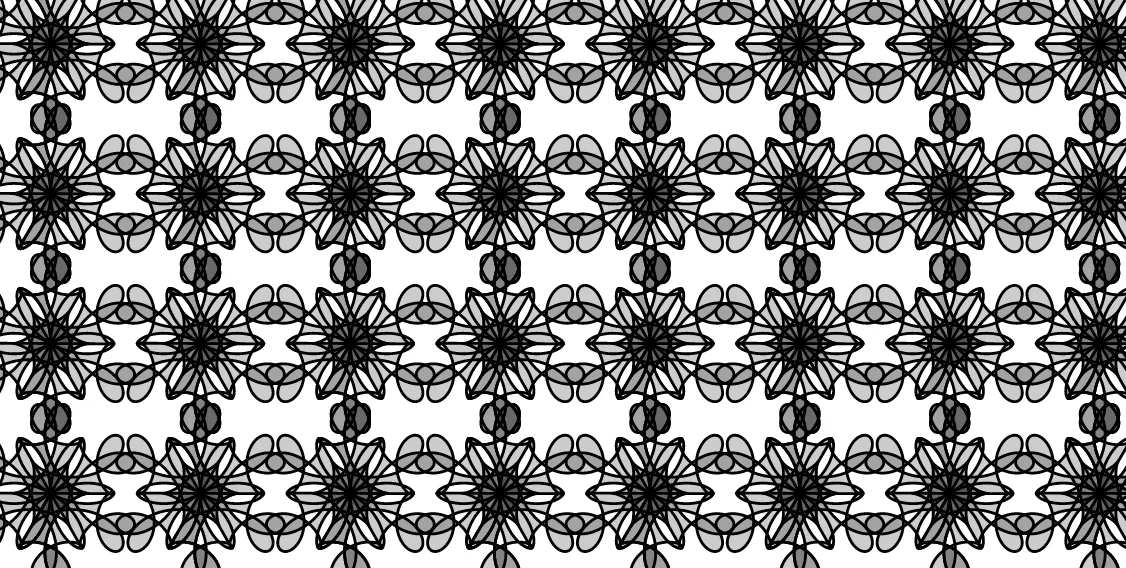
① This example demonstrates an interactive tessellation pattern generated by iterating parametric curves with similarity transformations, showing how curves can tile the plane through translation, rotation, and scaling. ② Core mathematical concepts include fractal geometry, parametric curves, similarity transformations (translation, rotation, scaling), circle properties, and arithmetic operations affecting curve shapes. ③ Construction uses GeoGebra commands: CurveCartesian to define parametric curves, Sequence to generate multiple curve instances, and Vector for translation vectors; objects include theta (angle parameter), A, b, a as control points/coefficients, g_1, f_1, f, d, g as intermediate functions, n for iteration count, liste1 and liste2 for point lists, C and D as key points, u and v as vectors, p and q as ratio parameters, c as color object, and Red, Green, Blue for dynamic coloring. ④ Suitable for high school to university-level mathematics education, especially for exploring fractal geometry, parametric equations, and transformation geometry, as well as for artistic pattern generation and mathematical visualization.
GeoGebra Commands & Parameters
CurveCartesian(x(A) + f_1(t) / ((0.5 * b)), y(A) + g_1(t) / ((0.5 * b)), t, 0, theta) → dSequence(Rotate[d, i, A], i, 0, 6.283185307179586, (2 * π / n)) → liste1Vector(A, C) → uVector(A, D) → vSequence(Sequence[Translate[liste1, Vector[((2 * s) * u) + ((2 * t) * v)]], s, 0, p], t, 0, q) → liste2CurveCartesian(x(A) + f(t), y(A) + g(t), t, 0, theta) → c
AI Drawing Prompt Reference
Draw a planar parametric curve defined by parameter angle theta, centered around a key point A and shaped by two function pairs f1(t) and g1(t) with normalization. Replicate the curve by rotating it about A through angles from 0 to approximately 2π, using n equal steps to form multiple instances around the circle. Define two translation directions using the vectors from A to two key points C and D, then tile the rotated curve copies by translating them repeatedly along these directions. The translation steps are governed by two ratio parameters p and q over a rectangular index range, creating an interwoven tessellation pattern across the plane. Use an additional curve defined by f(t) and g(t) as the main colored curve for the final pattern.
The prompt above was compiled from the original drawing commands and is for reference only.