
Insert Checkboxes
Loading the math board and drawing, please wait…
In collections
学习 GeoGebra 经典应用
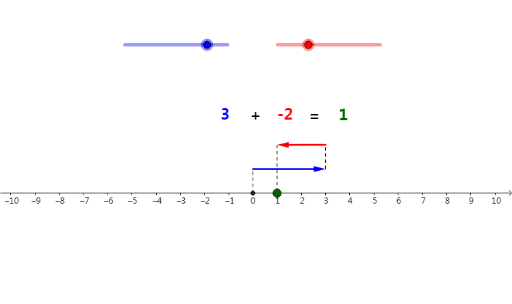
This example demonstrates how to use checkboxes to control the display of geometric shapes. Key mathematical concepts include geometric construction and slider animation. Using commands like Vector and Segment, dynamic changes in geometric shapes can be shown. Suitable for math education from middle school and above.
GeoGebra Commands & Parameters
Vector(A, B) → uVector(C, D) → vSegment(Z, A) → cSegment(B, C) → dSegment(D, R) → e
AI Drawing Prompt Reference
Draw two vectors, one from point Z to point A and another from point C to point D, then draw line segments from point Z to point A, from point B to point C, and from point D to point R to demonstrate how to control the display of geometric shapes using checkboxes and achieve dynamic changes with sliders.
The prompt above was compiled from the original drawing commands and is for reference only.